Can You Heat Press Jeans
You can heat press jeans safely if you take proper precautions, making it a great method to customize denim with ease. Using medium heat and a protective sheet is essential to prevent scorching and preserve the fabric’s integrity.
Ensuring the jeans are clean, dry, and wrinkle-free before pressing helps achieve the best results.
Use the right temperature, time, and pressure settings to avoid damaging the denim or fading its color. Taking care with preparation and technique allows you to get durable, professional results every time.
Keep going, and you’ll discover how to perfect your approach and maintain your heat-pressed designs.
Key Takeaways
- Yes, jeans can be heat pressed safely using moderate temperatures (320°F-350°F) and protective sheets to avoid scorching or marks.
- Prepare jeans by cleaning, drying, and removing or covering embellishments to ensure even heat distribution and prevent damage.
- Use medium pressure and adjust heat/time (10-20 seconds) based on denim thickness for optimal adhesion without weakening fibers.
- Always place a protective cloth between the heat press and denim to prevent wrinkles, scorch marks, and fabric damage.
- Proper care, including cold washing and air drying, preserves heat-pressed designs and maintains denim durability over time.
Is It Safe to Heat Press Jeans?
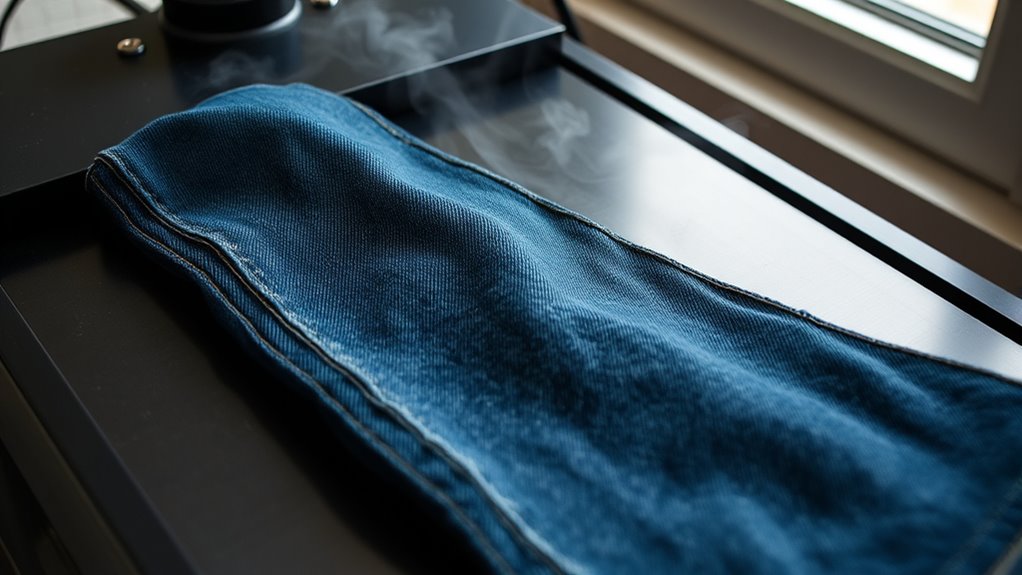
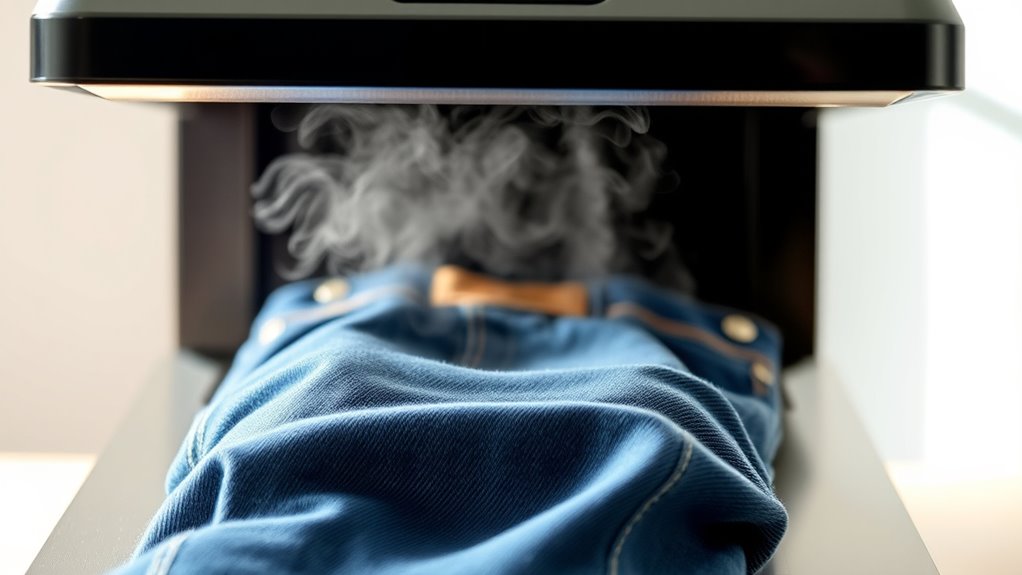
How safe is it to heat press jeans? You’ll find it’s generally safe if you take a few precautions. Jeans are sturdy, so they handle the heat better than delicate fabrics.
Still, you should avoid extremely high temperatures to prevent scorching or unwanted marks. Use a protective sheet like parchment paper between the heat press and the denim to shield your jeans. Make sure your heat press is clean to avoid transferring residue.
Also, don’t press for too long; short bursts of heat work best. By controlling temperature, time, and pressure, you minimize risks and get great results. So, with the right approach, heat pressing your jeans won’t damage them and can be a safe, effective method for applying designs or patches.
How Heat Pressing Affects Denim Fabric
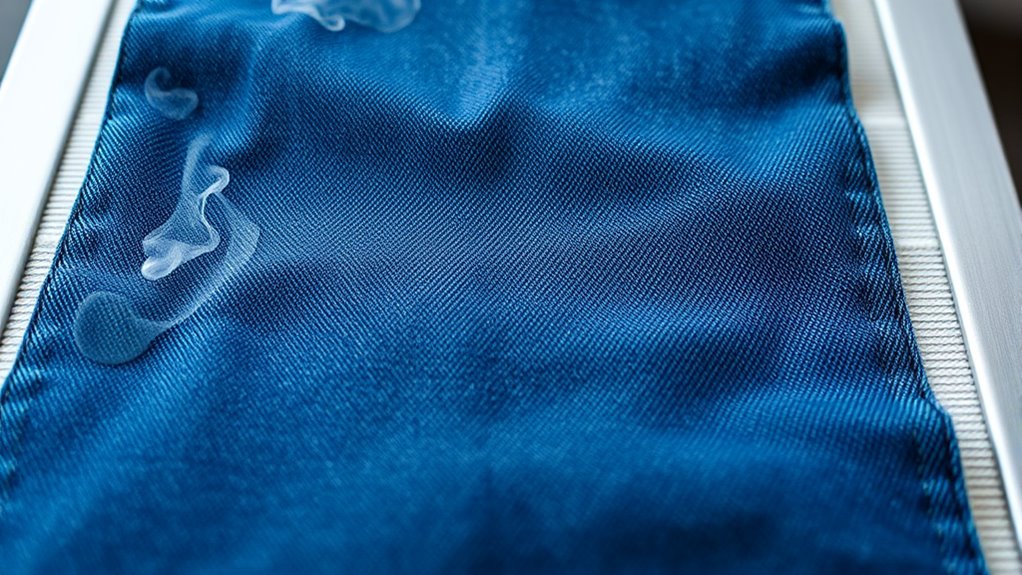
When you heat press denim, the fibers undergo significant changes that can affect durability. You’ll also want to watch out for color fading caused by high temperatures. Additionally, heat pressing can alter the fabric’s texture, making it feel different than before.
Heat Impact On Fibers
Although heat pressing can quickly shape denim fabric, it directly alters the fibers’ structure beneath the surface. When you apply intense heat and pressure, the cotton fibers in denim soften and become more pliable, allowing the fabric to mold into new shapes or creases. However, this process weakens the fibers’ natural resilience, making them more prone to wear and tear over time.
Repeated heat pressing can cause fibers to lose their original strength and elasticity, potentially leading to thinning or damage in the fabric. You’ll also notice that heat can flatten the weave, reducing denim’s characteristic texture. To maintain your jeans’ durability, it’s essential to control the temperature and duration carefully while heat pressing, balancing shaping needs without compromising fiber integrity.
Color Fading Risks
Why does heat pressing often lead to noticeable color fading in your denim jeans? When you apply intense heat and pressure, the indigo dye on denim can break down or migrate, causing the rich color to lighten. Heat accelerates the chemical reactions that fade dyes, especially if your jeans aren’t colorfast or pre-washed.
The combination of heat and pressure can also remove surface dye, making your jeans look worn out faster. If you don’t adjust the temperature or press time carefully, you risk uneven fading or blotchy spots. To protect your denim’s color, it’s best to use the lowest effective heat setting and limit pressing duration.
Taking these precautions helps maintain your jeans’ vibrant hue while still achieving your desired heat press results.
Fabric Texture Changes
Heat pressing doesn’t just affect your jeans’ color; it also changes the fabric’s texture in noticeable ways. When you apply heat and pressure, the denim fibers compress and flatten, which can make the fabric feel stiffer or less flexible. You might notice areas where the fabric becomes smoother, losing the original ruggedness that gives denim its character.
Over time, repeated heat pressing can weaken the fibers, causing them to wear out faster or develop thin spots. To avoid ruining your jeans’ texture, it’s important to control the temperature and duration of heat application. Using a protective cloth between the press and fabric can also help preserve the denim’s natural feel, keeping your jeans looking and feeling great for longer.
How to Prepare Jeans Before Heat Pressing
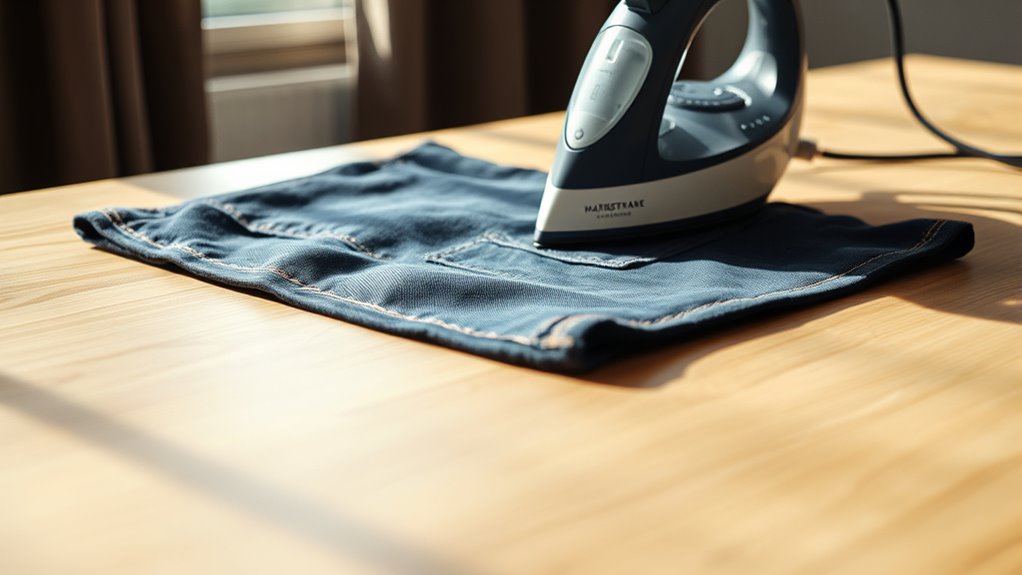
Before you start heat pressing your jeans, make sure they’re clean and completely dry to get the best results. Iron out any wrinkles and remove any embellishments that might interfere with the process.
Taking these steps guarantees a smooth and even press every time.
Cleaning And Washing
Although it might seem simple, properly cleaning and washing your jeans is essential to guarantee the best results when heat pressing. You want to remove any dirt, oils, or residues that could interfere with the heat transfer process or cause uneven adhesion. Start by turning your jeans inside out to protect the fabric’s surface.
Use a mild detergent and wash them in cold water to prevent shrinking or fading. Avoid fabric softeners, as they leave a coating that can reduce heat transfer effectiveness. Make sure to rinse thoroughly to eliminate all detergent traces.
Drying And Ironing
How should you prepare your jeans after washing to guarantee the best results with heat pressing? First, let them air dry completely; avoid using a dryer, as high heat can shrink or damage the fabric.
If you’re short on time, tumble dry on low heat, but remove the jeans while slightly damp. Next, iron your jeans on the cotton setting to smooth out wrinkles and creases. Use a pressing cloth between the iron and fabric to protect the denim.
Make sure the jeans are flat and wrinkle-free before heat pressing, as any folds can cause uneven pressure or unwanted marks. Proper drying and ironing assure your heat press adheres evenly and lasts longer, giving your jeans a professional finish every time.
Removing Embellishments
Once your jeans are properly dried and ironed, the next step is to remove any embellishments that might interfere with heat pressing. Buttons, studs, patches, or rhinestones can create uneven surfaces, causing poor adhesion or damage to your heat press. Carefully unpick sewn-on decorations or use pliers to detach metal pieces.
If you can’t remove certain embellishments, cover them with heat-resistant tape to protect both the jeans and the press. Make sure the area is smooth and flat to *guarantee* even heat distribution. Taking these precautions prevents scorching or warping and helps your design stick properly.
Preparing your jeans this way ensures a clean, professional result every time you heat press.
Choosing the Right Heat Transfer Materials for Jeans
What makes heat transfer materials suitable for jeans? You need materials that can withstand the thick, sturdy denim fabric without peeling or cracking over time. Look for heat transfer vinyl (HTV) specifically designed for heavy fabrics or high-stretch materials.
These types offer strong adhesion and flexibility, ensuring your design stays intact even with frequent wear. Avoid fragile or thin vinyl, as it won’t hold up well on denim’s rough surface. You can also consider printable heat transfer paper if you want detailed, colorful designs, but make sure it’s compatible with jeans.
Always check the material’s washing durability and heat resistance. Choosing the right materials upfront saves you frustration and keeps your jeans looking sharp after every wash.
Best Heat Press Settings for Jeans
To get the best results when heat pressing jeans, you’ll want to focus on the right temperature, pressing time, and pressure. Using a suitable temperature range guarantees the transfer adheres properly without damaging the fabric.
You’ll also need to balance pressing time and pressure to avoid wrinkles or incomplete transfers.
Optimal Temperature Range
Although denim is a sturdy fabric, you’ll need to apply the right temperature when using a heat press to avoid damaging your jeans. The ideal temperature range typically falls between 320°F and 350°F (160°C to 177°C). Staying within this range ensures the fabric withstands the heat without scorching or weakening the fibers.
If you go too low, the adhesive or design may not properly transfer or set, resulting in poor durability. On the other hand, excessive heat can cause shrinking, fading, or even burns. Always pre-test on a scrap piece if possible and adjust based on your heat press model and denim thickness.
Maintaining this temperature balance is key to achieving professional, long-lasting results on your jeans.
Ideal Pressing Time
When you press your jeans, setting the ideal pressing time is essential to guarantee the design adheres properly without damaging the fabric. Generally, a pressing time between 10 to 20 seconds works best. Shorter times might not fully transfer the design, while longer times risk scorching or warping the denim.
You should adjust based on the thickness of the jeans and the type of transfer material.
| Jeans Thickness | Pressing Time (seconds) | Notes |
|---|---|---|
| Thin | 10-12 | Use lower time to avoid burns |
| Medium | 15-18 | Standard pressing duration |
| Thick | 18-20 | Requires longer heat for proper adhesion |
Always test on a scrap piece first to ensure the timing suits your specific jeans.
Appropriate Pressure Level
Now that you’ve set the ideal pressing time for your jeans, focusing on the appropriate pressure level will help guarantee the design transfers cleanly and stays intact. Too much pressure can damage the fabric, while too little won’t secure the design properly.
Here’s how to get it right:
- Medium Pressure – Aim for medium pressure to avoid crushing the denim’s texture but still press the design firmly.
- Adjust Gradually – Start with lower pressure and increase it slightly if the design doesn’t adhere well.
- Test First – Always test on a scrap piece of denim or an inconspicuous spot to fine-tune the pressure.
How to Heat Press Iron-On Patches on Jeans
Before you start heat pressing iron-on patches on your jeans, make sure you have all the necessary materials ready, including the patch, a heat press or iron, and a protective cloth. Lay your jeans flat on a heat-resistant surface, smoothing out any wrinkles near the area where you’ll place the patch. Position the patch with the adhesive side down on the fabric.
Cover it with the protective cloth to prevent direct heat contact. Set your heat press or iron to the recommended temperature—usually around 320°F (160°C) for iron-on patches. Apply firm, even pressure for the time specified by the patch manufacturer, typically 15-30 seconds.
Once done, carefully peel off the backing while it’s still warm or according to instructions. Let your jeans cool before wearing or washing.
Tips to Avoid Wrinkles and Scorch Marks During Heat Pressing
Although heat pressing can quickly enhance your jeans, taking precautions helps you avoid wrinkles and scorch marks that ruin the fabric’s look. To keep your jeans looking pristine, follow these tips:
- Use a Protective Barrier: Always place a thin cloth or parchment paper between the heat press and your jeans. This shields the fabric from direct heat, preventing scorch marks.
- Adjust Temperature and Time: Set your heat press to the recommended temperature for denim, usually around 320°F (160°C), and avoid over-pressing. Excess heat or time causes wrinkles and burns.
- Smooth Out Fabric Before Pressing: Lay your jeans flat and ensure the area is wrinkle-free. Any folds will imprint under heat, so take a moment to smooth the fabric carefully.
These steps help you achieve a flawless finish every time without damaging your jeans.
How to Protect Your Jeans When Using a Heat Press
Taking precautions like using a protective barrier and adjusting temperature helps prevent visible damage, but protecting your jeans goes beyond just avoiding wrinkles and scorch marks. You should always clean your heat press plates before use to avoid transferring dirt or residue onto your fabric. Place a Teflon sheet or parchment paper over the jeans to shield them from direct heat.
Avoid pressing over seams or rivets since these can cause uneven pressure and damage the machine or fabric. Also, consider lowering the pressure setting to prevent fabric distortion. Always test on a scrap piece first to ensure settings are safe.
Ultimately, handle your jeans carefully after heat pressing, letting them cool flat to maintain their shape and prevent unwanted creases or marks.
Troubleshooting Heat Press Issues on Jeans
When you notice issues like uneven prints, scorching, or fabric distortion after heat pressing your jeans, troubleshooting quickly can save both your garment and your equipment. Start by checking your heat press settings—too high temperature or pressure often causes damage.
Next, verify you’re using a protective sheet between the press and your jeans to prevent scorching and ink bleed. Finally, examine the placement and size of your design; uneven surfaces or bulky seams can create distortion or incomplete transfers.
- Adjust temperature and pressure based on fabric type.
- Always use a Teflon sheet or parchment paper as a barrier.
- Position your design carefully, avoiding thick seams or pockets.
Following these steps helps you get flawless results and extends the life of your heat press.
How to Care for Heat Pressed Designs on Jeans
Even if your heat-pressed design looks perfect right after pressing, proper care is essential to keep it vibrant and intact over time. Always turn your jeans inside out before washing to protect the design from friction and harsh detergents. Use cold water and a gentle cycle to prevent heat damage.
Avoid bleach and fabric softeners, as they can weaken the adhesive. When drying, skip the high heat—air dry your jeans or use a low-heat setting in the dryer. Iron the design only if necessary, and always place a protective cloth between the iron and the print.
Frequently Asked Questions
Can You Heat Press Jeans With Embroidery Designs?
Yes, you can heat press jeans with embroidery designs. Just make sure to use a heat press cover sheet, set the right temperature, and press carefully to avoid damaging the fabric or embroidery stitches.
Does Heat Pressing Jeans Affect Their Stretchability?
Think of your jeans as a rubber band; heat pressing can stiffen their fibers, reducing stretchability. You’ll notice less give after pressing, so use moderate heat and pressure if you want to keep their flexibility intact.
Can Heat Pressing Remove Wrinkles From Jeans Without Damaging Them?
Yes, you can remove wrinkles from jeans with a heat press if you use a low temperature and a protective cloth. This way, you won’t damage the fabric or affect its stretchability while getting smooth results.
Is It Possible to Heat Press Jeans Multiple Times Safely?
You absolutely can heat press jeans multiple times safely, just like a blacksmith repeatedly shapes steel. Make sure to use a pressing cloth and moderate heat to avoid scorching or damaging the fabric. Keep it steady!
How Long Does a Heat Pressed Design on Jeans Typically Last?
A heat pressed design on jeans typically lasts several washes, usually around 20-30, if you care for them properly. You should wash inside out, use cold water, and avoid high heat drying to keep it vibrant longer.
Conclusion
You might wonder if heat pressing jeans will ruin them, but with the right prep and settings, it’s actually safe and effective. Treat your denim gently, choose heat-friendly materials, and avoid too much heat to keep your jeans looking great.
Remember, a little patience and care go a long way—your jeans can handle the heat without losing their style. So go ahead, press with confidence and enjoy your custom denim! When you heat press jeans properly, you can achieve fantastic results without damage, making heat pressing jeans a reliable method for personalizing your denim.