Can You Heat Press Faux Leather
Yes, you can heat press faux leather safely, but it requires careful attention to temperature and pressure settings.
When working with faux leather, it’s important to use moderate heat between 270°F and 300°F. Applying light to medium pressure for no more than 15 seconds helps prevent damage and ensures good results.
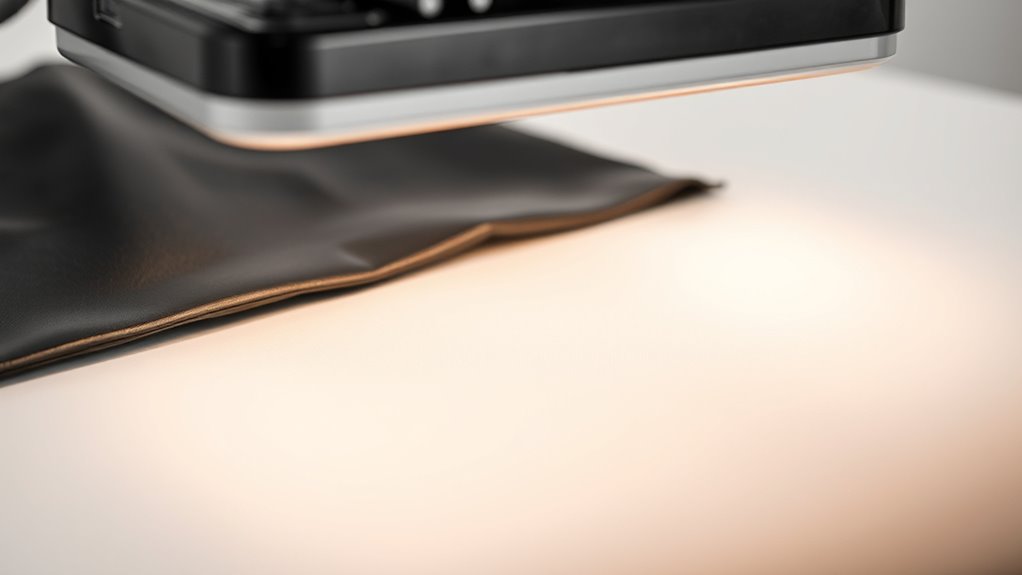
Always protect the surface by placing parchment or Teflon sheets over the material. This step avoids issues like warping or peeling during the heat press process.
Make sure the faux leather is clean and completely dry before pressing.
After pressing, allow the material to cool fully before peeling off the protective layer.
Following these guidelines will help you achieve the best results and minimize common mistakes when heat pressing faux leather. Keep exploring these tips to perfect your technique.
Key Takeaways
- Faux leather can be heat pressed using moderate heat and pressure to avoid damage like warping or peeling.
- Maintain the temperature between 270°F and 300°F, never exceeding 320°F for safe pressing.
- Always place a protective sheet such as parchment or Teflon paper between the press and faux leather.
- Limit pressing time to 10-15 seconds and apply light to medium pressure for best results.
- Prepare the surface by cleaning and drying, smoothing wrinkles, and positioning transfers accurately before pressing.
Can You Heat Press Faux Leather Without Damage?
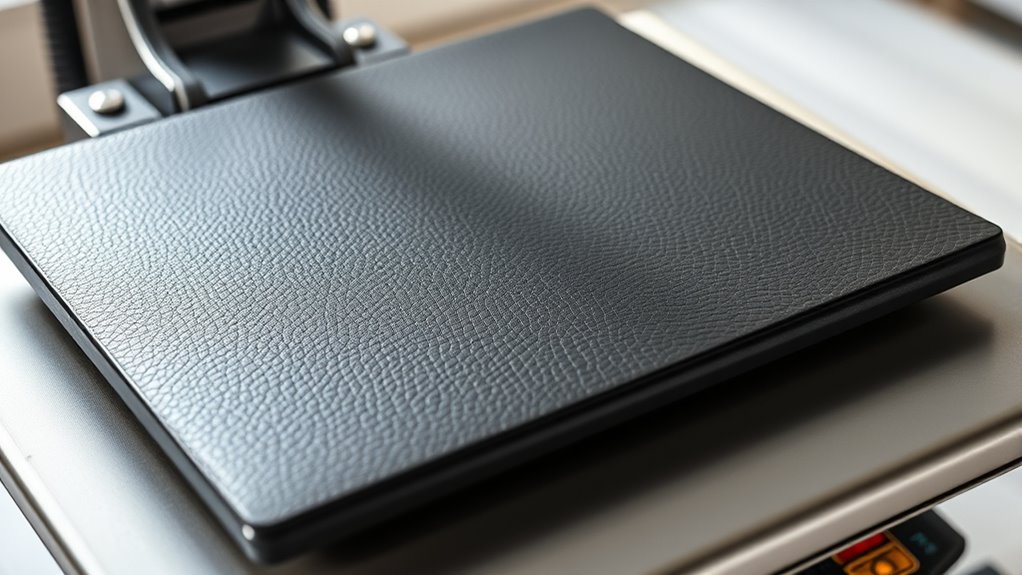
Although faux leather can be sensitive to heat, you can heat press it without causing damage if you use the right temperature and pressure settings. You’ll want to avoid applying excessive heat or too much pressure, as this can cause the material to warp or peel.
Instead, use moderate pressure to *guarantee* the heat transfers evenly without crushing the texture. Always place a protective sheet, like parchment paper or a Teflon sheet, between the press and the faux leather to prevent direct contact.
What Temperature Is Safe for Heat Pressing Faux Leather?
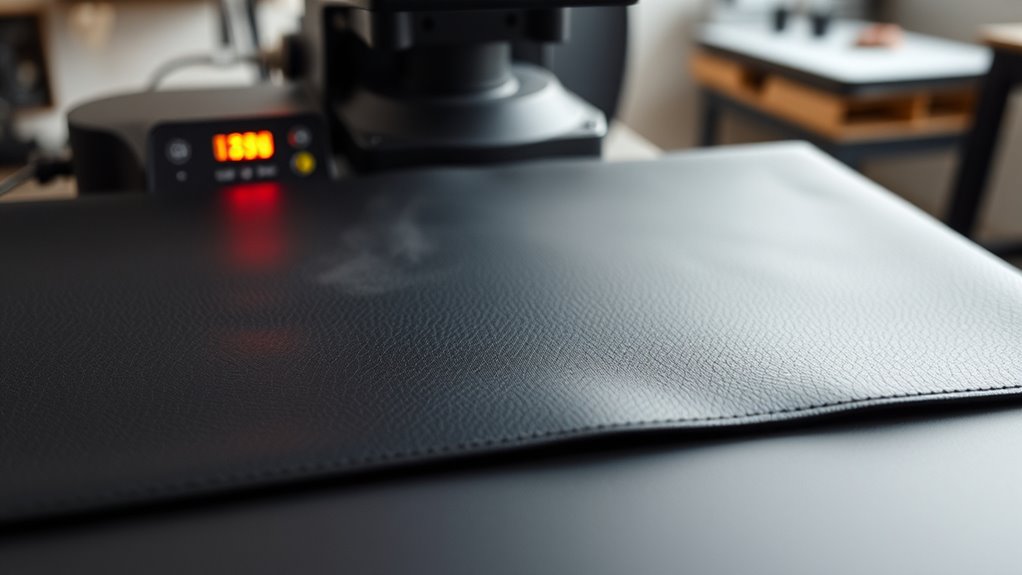
You’ll want to set your heat press to a temperature that protects the faux leather from melting or warping. Generally, staying below 320°F (160°C) helps avoid damage while still allowing proper adhesion.
Let’s explore the ideal temperature range and tips to keep your material safe during pressing.
Recommended Heat Press Temperatures
When heat pressing faux leather, you need to carefully control the temperature to avoid damaging the material. The ideal heat press temperature typically ranges between 270°F and 300°F (130°C to 149°C). Staying within this window allows the adhesive on heat transfer vinyl or other designs to bond effectively without melting or warping the faux leather.
It’s best to start at the lower end of the range, around 270°F, especially if you’re working with thinner or more delicate faux leather. You can increase the temperature slightly if necessary, but never exceed 300°F. Also, keep your pressing time between 10 to 15 seconds to ensure the design adheres well while preserving the material’s integrity.
Using these temperature guidelines will help you achieve great results every time.
Avoiding Heat Damage
Since faux leather can easily warp or melt under excessive heat, it’s crucial to keep your heat press temperature within safe limits. Typically, you should set your heat press between 270°F and 300°F (132°C to 149°C) to prevent damage. Always check the manufacturer’s guidelines for your specific faux leather type, as some materials tolerate lower temperatures better.
Avoid pressing longer than 10-15 seconds to reduce the risk of warping or bubbling. Using a protective sheet, like Teflon or parchment paper, between the heat press and the faux leather adds a layer of protection.
How Do You Prepare Faux Leather for Heat Pressing?
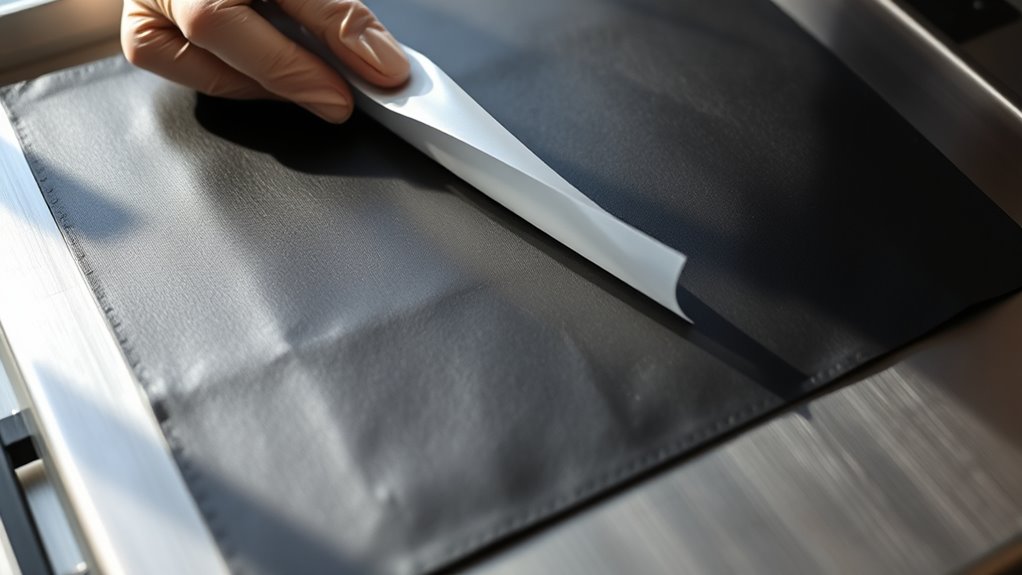
Before heat pressing faux leather, you need to guarantee the surface is clean and free of dust or oils that could interfere with adhesion. Start by gently wiping the material with a lint-free cloth dampened with a mild soap solution. Avoid soaking it; just remove any residue.
Next, let the faux leather dry completely to prevent moisture from affecting the heat transfer. If the surface has any wrinkles or creases, smooth them out by lightly warming the area with your hands or a low-heat iron under a protective cloth, but don’t press firmly.
Finally, measure and cut your heat transfer design accurately, then position it carefully on the faux leather to ensure proper placement before applying heat. This preparation helps you achieve a clean, lasting finish.
How Can You Protect Faux Leather During Heat Pressing?
Preparing your faux leather properly sets the stage, but safeguarding it during heat pressing guarantees your design and material stay in perfect condition. To protect your faux leather, always use a Teflon sheet or a piece of parchment paper between the heat press and the material. This prevents direct contact and reduces the risk of melting or scorching.
Make sure your heat press is set to the recommended temperature—too hot can damage the surface. Use light to medium pressure to avoid imprinting unwanted marks or stretching the fabric. Finally, avoid pressing for too long; follow timing guidelines closely to prevent warping.
What Are the Best Heat Press Techniques for Faux Leather?
When working with faux leather, choosing the right heat press techniques guarantees your design adheres smoothly without damaging the material. First, always use a Teflon sheet or parchment paper as a protective barrier to prevent direct contact with the heat plate. Set your heat press temperature between 270°F and 300°F (130°C to 150°C) to avoid melting or warping the leather.
Apply light to medium pressure rather than heavy, which can leave permanent marks. Limit pressing time to 10-15 seconds to reduce heat exposure. Allow the faux leather to cool completely before peeling off the transfer sheet to prevent smudging or lifting.
Using these techniques, you’ll achieve clean, professional results while preserving your faux leather’s texture and finish.
What Heat Transfer Materials Actually Work on Faux Leather?
Although faux leather can be tricky to work with, you’ll find that certain heat transfer materials consistently deliver great results. You’ll want to focus on materials like vinyl, particularly heat transfer vinyl (HTV), which adheres well without damaging the surface. Glitter and metallic HTVs also perform nicely, adding style without compromising the faux leather’s texture.
Sublimation, however, isn’t suitable since faux leather won’t absorb the ink properly. Printable heat transfer sheets designed for synthetic materials can work, but test on a scrap piece first. Avoid materials that require high temperatures or extended pressing times, as they can cause warping or melting.
What Common Mistakes Should You Avoid When Heat Pressing Faux Leather?
Since faux leather is sensitive to heat and pressure, you need to avoid common mistakes that can ruin your project. First, never use excessive heat or press time; too much can cause melting, warping, or discoloration. Always check the manufacturer’s recommended temperature and timing.
Second, don’t skip using a protective sheet like a Teflon or parchment paper to shield the surface from direct heat. Third, avoid pressing on the wrong side—make sure you work on the smooth, outer side of the faux leather. Fourth, don’t apply too much pressure; it can leave permanent marks or indentations.
Finally, don’t rush the cooling process; allow the faux leather to cool completely before handling to maintain the transfer’s quality and prevent damage.
How Do You Troubleshoot Heat Press Issues on Faux Leather?
If your heat press results on faux leather don’t look right, troubleshooting can help you identify and fix common problems quickly. Start by checking your temperature settings; too high can melt the material, while too low won’t bond the design properly. Examine the pressure—uneven or excessive pressure can cause wrinkles or damage.
Troubleshoot faux leather heat press issues by adjusting temperature and pressure to prevent melting, poor bonding, and wrinkles.
Also, review your pressing time, as too long can scorch faux leather, and too short won’t transfer well. Finally, verify your transfer paper or vinyl is compatible with faux leather.
To troubleshoot effectively:
- Adjust temperature in small increments and test on scraps
- Use even, moderate pressure to avoid damage
- Shorten or lengthen pressing time based on results
- Confirm transfer materials suit faux leather
These steps help you achieve crisp, lasting heat press designs.
Frequently Asked Questions
Can Faux Leather Be Heat Pressed Multiple Times Without Damage?
You can heat press faux leather multiple times, but you’ll need to be cautious with temperature and pressure to avoid damage.
Always test on a small area first to make sure it holds up without warping or melting.
Does Heat Pressing Affect the Texture of Faux Leather?
Think of heat pressing faux leather like a gentle sculptor’s touch—it can slightly soften or imprint the texture, but if you’re careful with temperature and time, you won’t warp or damage its surface.
Just don’t rush it!
Are There Specific Brands of Faux Leather Better for Heat Pressing?
Yes, you’ll find brands like Siser and Cricut offer faux leathers designed for heat pressing. They handle heat well, resist peeling, and maintain texture.
Always test a small piece before pressing your final project.
How Long Does a Heat Press Design Last on Faux Leather?
Your heat press design can last several years on faux leather if you apply it correctly and use quality materials. Proper care, like avoiding harsh chemicals and excessive bending, helps maintain the design’s durability and appearance.
Taking gentle care of the faux leather will extend the life of your design. Keep it clean and store it away from direct sunlight when not in use. This prevents fading and cracking over time.
Can You Use a Regular Iron Instead of a Heat Press on Faux Leather?
If you try ironing faux leather without a protective sheet, you risk melting it. You shouldn’t use a regular iron directly; instead, place a Teflon sheet between the iron and material to prevent damage and achieve better results.
This extra layer helps distribute the heat evenly and protects the surface of the faux leather. Always use a low heat setting on your iron to avoid warping or discoloration.
Avoid pressing too long in one spot to minimize the risk of damage. Using a regular iron can work, but with careful precautions and proper technique.
Conclusion
You might worry that heat pressing faux leather will ruin it, but if you stick to the right temperature—usually below 300°F—and protect it with a Teflon sheet, you’ll avoid damage. Preparing your material properly and using compatible heat transfer vinyl makes all the difference.
With careful technique, you can create stunning designs without any harm. So go ahead, give it a try—you’ll be surprised how well faux leather handles heat pressing when done right!
In conclusion, heat pressing faux leather is entirely possible when you follow the correct guidelines. Use the right temperature, protect the surface, and select suitable vinyl to ensure a flawless finish. This way, heat pressing faux leather becomes a simple and effective method for your creative projects.