Can You Use a Cricut Heat Press for Dtf Transfers
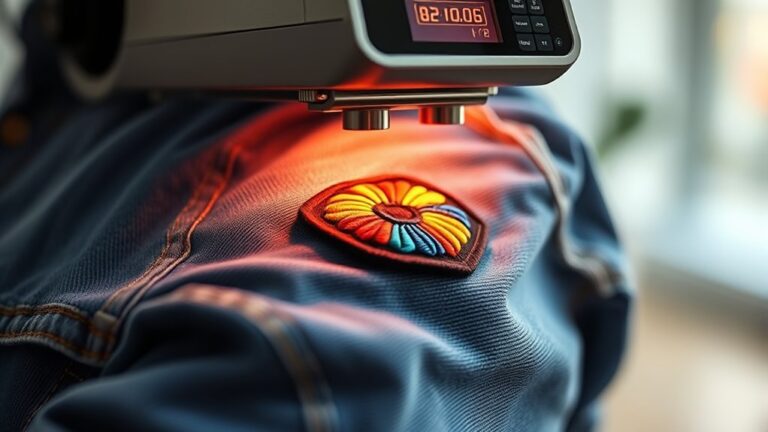
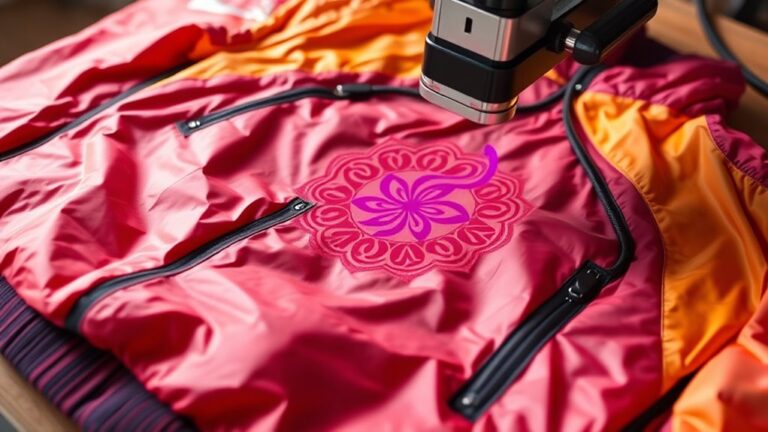
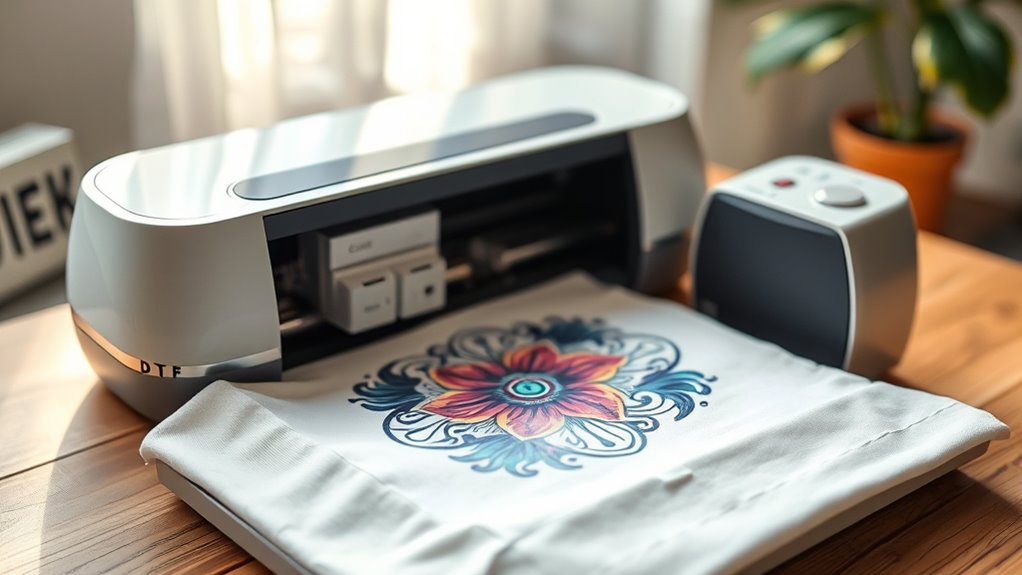
You can use a Cricut heat press for DTF transfers, but it requires careful control of temperature, pressure, and timing to achieve good results. Maintaining a temperature around 300°F to 320°F, applying even pressure, and limiting pressing time are key factors.
This method works well for small or beginner DTF projects.
However, the Cricut heat press may struggle with larger designs due to its platen size and heat limitations. For consistent, high-volume results or bigger prints, upgrading to a dedicated DTF heat press is worth considering.
Here’s what else you should know to get the best results when using a Cricut heat press for DTF transfers.
Key Takeaways
- A Cricut heat press can be used for DTF transfers if it reaches 300°F to 320°F with even heat and firm pressure.
- Smaller platen size on Cricut presses may limit larger DTF designs, making them better for small-scale projects.
- Proper pre-pressing, using a heat-resistant cover sheet, and peeling transfers warm are essential for quality DTF results.
- Cricut presses are designed for HTV and infusible ink but can handle DTF with careful temperature and pressure control.
- For frequent or larger DTF production, upgrading to a dedicated DTF heat press offers better speed, platen size, and consistency.
What Is a Cricut Heat Press Designed For?
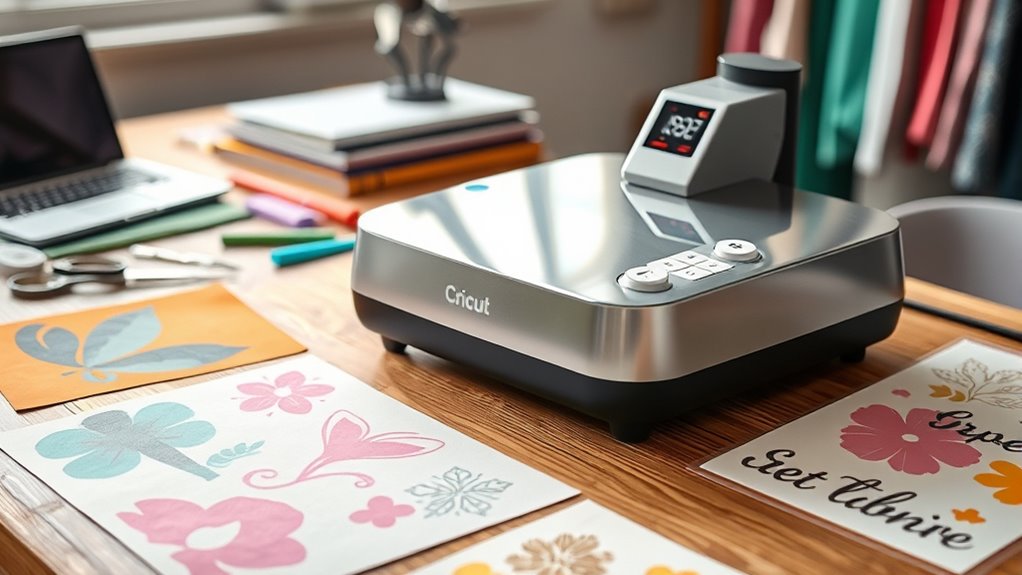
Although a Cricut heat press might look versatile, it’s specifically designed to work with Cricut’s heat transfer vinyl (HTV) and infusible ink projects. When you use it, you’ll notice it applies consistent heat and pressure, which is essential for bonding HTV to fabrics like cotton and polyester. This press guarantees your designs adhere smoothly without peeling or fading.
It also works great with infusible ink sheets, which require precise temperature control to infuse ink directly into the fabric fibers. You won’t get the same results using it for other types of transfers, as the heat press’s settings and surface area cater to Cricut materials. So, if you’re aiming for flawless Cricut projects, this heat press is your go-to tool.
Can You Use a Cricut Heat Press for DTF Transfers?
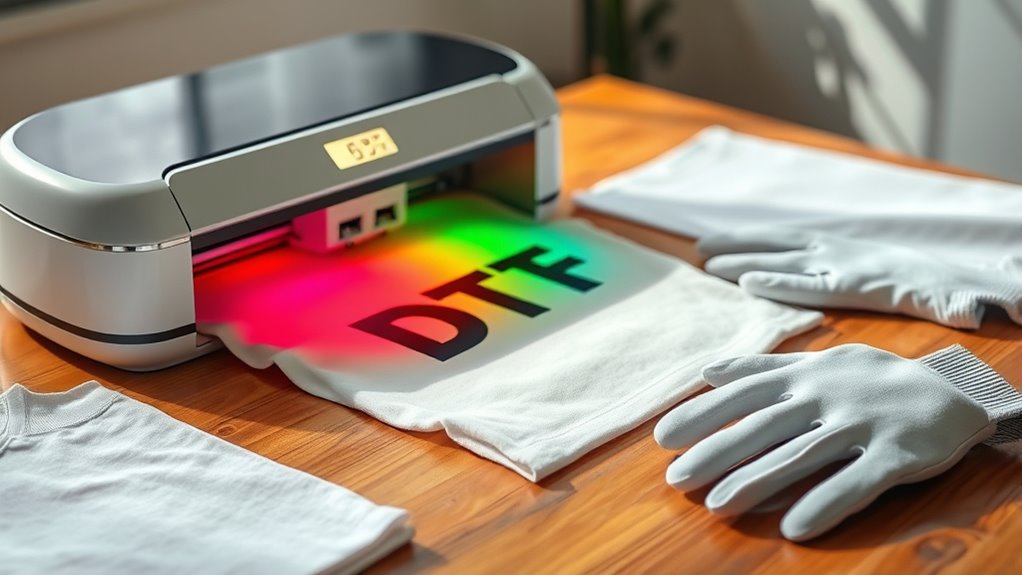
You can use a Cricut heat press for DTF transfers, but you need to check if it meets the required temperature and pressure settings. The quality of your transfer depends on how well your heat press handles these factors.
Knowing your machine’s limits will help you get the best results.
Heat Press Compatibility
When working with DTF transfers, knowing whether a Cricut heat press suits your needs can save you time and effort. Cricut heat presses are designed mainly for vinyl and sublimation, but they can handle DTF transfers if you adjust settings properly. You’ll want to guarantee your press can reach the necessary temperature and apply even pressure.
Here’s what to check for compatibility:
- Temperature range of 320°F to 350°F (160°C to 177°C)
- Even heat distribution across the platen
- Adjustable pressure settings for firm contact
- A timer feature to control pressing duration
If your Cricut heat press meets these criteria, you’re set to use it with DTF transfers without needing extra equipment.
Transfer Quality Considerations
Since transfer quality depends heavily on heat, pressure, and timing, using a Cricut heat press for DTF transfers requires careful adjustment of these factors. You’ll need to verify the press reaches the ideal temperature—usually around 320°F to 340°F—and maintain firm, even pressure throughout the pressing time, typically 15-20 seconds. Inconsistent heat or pressure can cause poor adhesion, fading, or uneven transfer.
Also, consider the platen size; smaller presses might make it tricky to press larger designs evenly. You might have to experiment with settings to find the sweet spot that works best for your materials. Keep in mind, using a heat press designed specifically for DTF often yields more consistent results.
Still, with patience and fine-tuning, your Cricut heat press can deliver quality transfers.
How Do Cricut and DTF Heat Presses Differ?
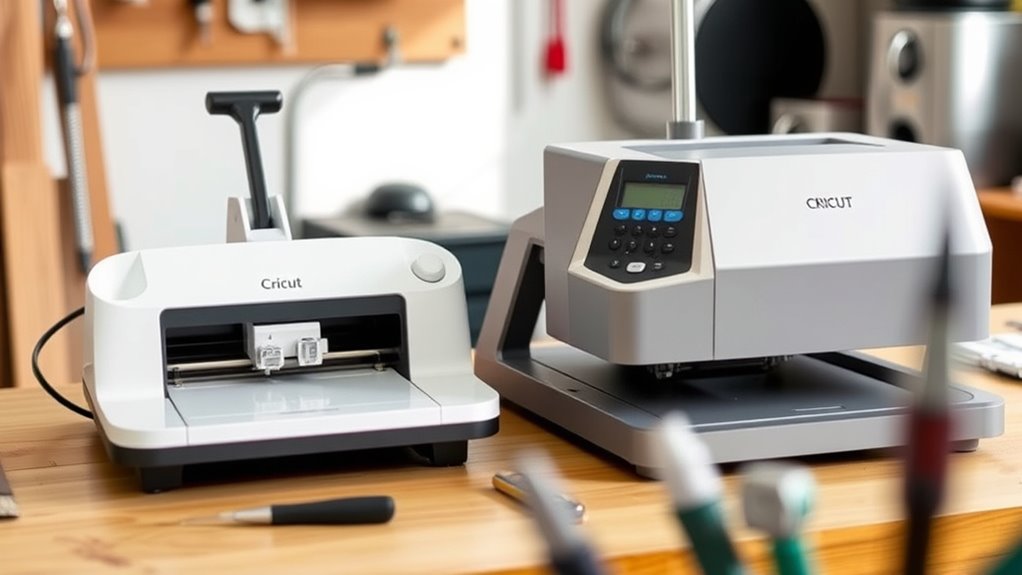
Although both Cricut and DTF heat presses apply heat and pressure to transfer designs, they differ markedly in size, temperature range, and intended use. When you’re choosing between them, consider these key differences:
Cricut and DTF heat presses both transfer designs but differ in size, temperature, and purpose.
- Size & Pressure: Cricut presses are compact and designed for small projects, while DTF presses handle larger areas with more consistent pressure.
- Temperature Control: DTF presses reach higher temperatures (up to 320°F or more), essential for curing DTF inks, whereas Cricut presses have lower max temps.
- Intended Materials: Cricut presses work well with vinyl and iron-on transfers; DTF presses are optimized for powder-coated prints on fabric.
- Durability & Build: DTF heat presses are built for heavy-duty, continuous use, unlike the lighter, hobbyist-focused Cricut models.
Understanding these differences helps you pick the right heat press for your transfer needs.
How Do DTF Transfers Work Compared to Heat Transfers?
Understanding the differences between Cricut and DTF heat presses sets the stage for comparing how DTF transfers work versus traditional heat transfers. When you use traditional heat transfers, you typically apply heat and pressure to vinyl or screen-printed designs, bonding them directly onto fabric.
DTF transfers, however, involve printing your design onto a special film with adhesive powder, then using a heat press to melt the powder and transfer the design onto the fabric. This process results in a softer, more flexible print compared to traditional heat transfers, which can feel thicker or stiffer.
You’ll notice DTF works well on various fabric types without needing a specific vinyl type, making it versatile. Understanding these mechanics helps you decide which transfer method suits your project best.
What Settings Work Best for DTF on a Cricut Heat Press?
To get the best results with DTF transfers on your Cricut heat press, you’ll need to set the right temperature and pressing time. Typically, aiming for around 300°F and pressing for 15 seconds works well.
Adjusting these settings based on your material can make a big difference in the final outcome.
Optimal Temperature Settings
When you set your Cricut heat press for DTF transfers, choosing the right temperature is essential to achieve vibrant, durable results. Too low, and the adhesive won’t bond properly; too high, and you risk scorching the print or fabric. Generally, a temperature between 300°F to 320°F (149°C to 160°C) works best for most DTF transfers.
Keep these tips in mind:
- Preheat your press to around 310°F for consistent results
- Use a heat-resistant cover sheet to protect the transfer
- Adjust slightly based on fabric type (cotton vs. polyester)
- Test on a small area before full pressing to avoid damage.
Following these settings guarantees your DTF transfers come out sharp and long-lasting every time.
Ideal Pressing Time
Along with setting the right temperature, pressing time plays a key role in getting the perfect DTF transfer with your Cricut heat press. Typically, you’ll want to press for about 15 to 20 seconds. This duration allows the adhesive powder on the DTF film to properly melt and bond with your fabric, ensuring vibrant colors and durability.
Pressing too briefly might result in incomplete adhesion, while pressing too long could damage the print or fabric. Make sure to apply firm, even pressure throughout the entire pressing time to avoid any uneven spots. Once done, peel the film while it’s still warm or follow the specific instructions for your transfer.
Sticking to this pressing time helps you achieve consistent, high-quality results every time.
Common Challenges Using Cricut Heat Presses for DTF
Although Cricut heat presses are popular for various crafting projects, they often present specific challenges when used for DTF (Direct to Film) transfers. You might find that the temperature and pressure settings don’t always align perfectly with DTF requirements. Additionally, the relatively small platen size can limit the size of your transfers, making larger designs tricky.
Here are some common challenges you may face:
- Inconsistent pressure distribution, causing uneven adhesion
- Limited temperature range, which may not reach ideal DTF heat levels
- Smaller pressing area, restricting larger or multiple transfers
- Difficulty maintaining precise time and temperature control needed for DTF
Understanding these hurdles can help you decide if a Cricut heat press suits your DTF projects or if you need specialized equipment.
Tips to Get the Best DTF Results With Your Cricut Heat Press
If you want to achieve great DTF results with your Cricut heat press, you’ll need to fine-tune your settings and technique carefully. Start by adjusting the temperature to around 300°F (150°C) and set the timer for 15 seconds, but always test on a scrap piece first. Use firm, even pressure to guarantee the transfer adheres well without damaging the film.
Pre-press your garment for a few seconds to remove moisture and wrinkles, which helps the transfer stick better. Peel the transfer film while it’s still warm or follow the specific instructions for your DTF film. Finally, avoid lifting the heat press too quickly to prevent shifting.
With these steps, your Cricut heat press can produce impressive DTF transfers.
When Should You Upgrade to a Dedicated DTF Heat Press?
When you start producing DTF transfers regularly or at a larger scale, your Cricut heat press might not keep up with the demand. Upgrading to a dedicated DTF heat press becomes a smart move when you need better efficiency and consistent results.
You’ll notice the difference in speed, pressure control, and temperature accuracy, all essential for high-quality transfers.
Consider upgrading if you experience:
- Frequent inconsistencies in transfer quality
- Limited platen size restricting larger designs
- Overheating or cooldown delays during continuous use
- Difficulty maintaining ideal pressure and temperature
A dedicated DTF heat press is designed specifically for these transfers, making your workflow smoother and your products more professional-looking.
It’s an investment that pays off as your business grows.
Frequently Asked Questions
Can You Use a Cricut Heat Press for Other Types of Heat Transfers?
Yes, you can use a Cricut heat press for various heat transfers like HTV, sublimation, and infusible ink. Just make sure to adjust the time, temperature, and pressure according to each transfer type’s requirements for best results.
How Do You Maintain and Clean a Cricut Heat Press?
Like giving your car a spa day, you should clean your Cricut heat press regularly. Wipe the platen with a damp cloth, avoid abrasive cleaners, and check for debris to keep it running smoothly and heat evenly.
What Materials Are Compatible With Cricut Heat Presses?
You can use your Cricut heat press on materials like cotton, polyester, blends, and some nylon fabrics.
Just avoid delicate or heat-sensitive materials to prevent damage, and always check specific project instructions for best results.
Are Cricut Heat Presses Safe for Beginners?
You’ll find Cricut heat presses safe for beginners—think of it as riding a bike with training wheels. They’re user-friendly, with adjustable settings and safety features, so you’ll gain confidence while creating without worry or burns.
Can You Use Cricut Heat Press With Sublimation Prints?
Yes, you can use your Cricut heat press with sublimation prints. Just make sure to use the right temperature, pressure, and time settings for sublimation to get vibrant, long-lasting results on polyester or coated surfaces.
Conclusion
While your Cricut heat press can handle DTF transfers in a pinch, it’s like using a Swiss Army knife when you really need a chef’s knife—functional but not flawless. You can achieve decent results with the right settings and patience, but it may require extra effort to get there.
For consistent, professional-quality prints, upgrading to a dedicated DTF heat press is the way to go. Trust your tools to do their best work, and your creations will truly shine.
In conclusion, while a Cricut heat press can be used for DTF transfers, investing in a specialized DTF heat press ensures better durability, vibrant colors, and overall superior results for your heat press projects.