Can You Sublimate With Cricut Heat Press
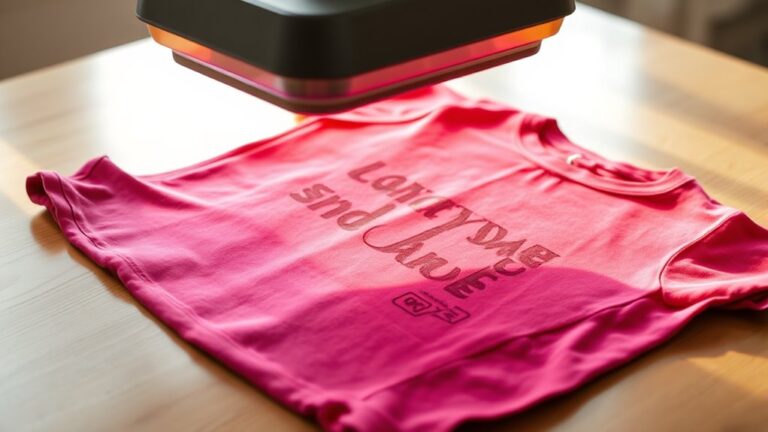
You can sublimate with a Cricut Heat Press, but it’s important to understand its limitations. The Cricut Heat Press is mainly designed for infusible ink and heat transfer vinyl. Its temperature limits and size might affect how vibrant and consistent your sublimation results turn out.
For the best prints, use polyester or coated materials with high-quality sublimation ink and paper. Sublimation requires high heat and pressure, which may push the Cricut Heat Press beyond its optimal capabilities.
If you want to get the most from your press and avoid common issues, there’s more to discover about prepping and alternatives. Proper preparation and understanding your materials are key to successful sublimation.
Key Takeaways
- The Cricut Heat Press is primarily designed for infusible ink and heat transfer vinyl, not specifically for sublimation.
- It may not reach or maintain the high, consistent temperatures needed for quality sublimation results.
- Sublimation works best on polyester or polymer-coated materials, which require precise heat and pressure.
- For consistent, vibrant sublimation, dedicated heat presses like clamshell or swing-away models are recommended.
- Household irons or Cricut Heat Press can be used cautiously for small, simple sublimation projects but may yield inconsistent results.
What Is Sublimation and How Does It Work With a Cricut Heat Press?
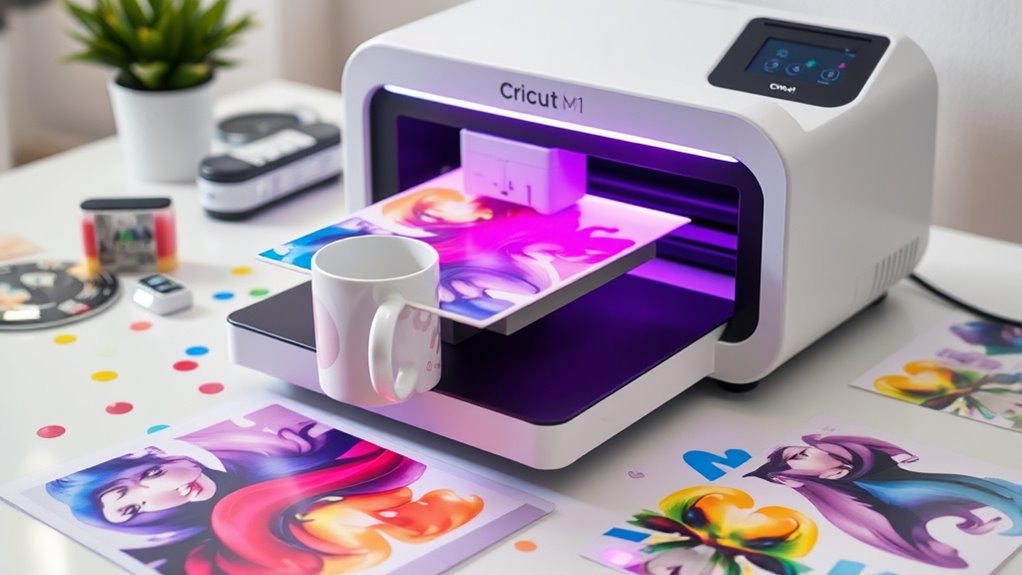
Although sublimation might seem complex at first, you can easily grasp how it works with a Cricut heat press. Sublimation is a process where you turn solid dye into gas without passing through a liquid phase, allowing the ink to bond directly with polyester fabrics or polymer-coated surfaces. When you use a Cricut heat press, it applies consistent heat and pressure, which activates the sublimation ink on your printed transfer paper.
This heat causes the ink to vaporize and embed itself into your chosen material, resulting in vibrant, long-lasting designs. You’ll notice the colors don’t peel or fade because the ink becomes part of the fabric. Understanding this process helps you appreciate why precise temperature and timing are vital for successful sublimation projects.
Can You Use a Cricut Heat Press for Sublimation?
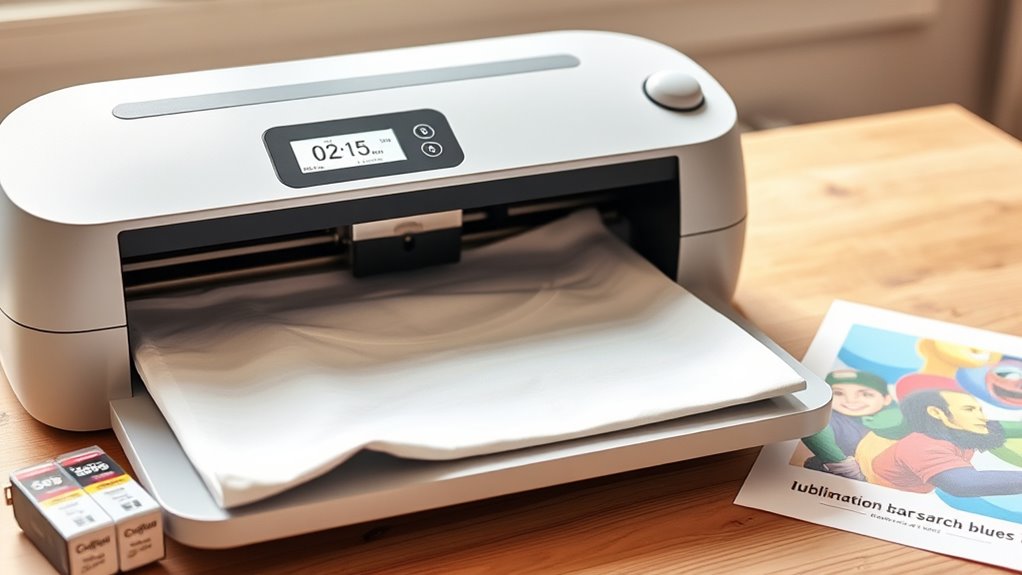
You can use a Cricut Heat Press for sublimation, but it has some limitations to keep in mind. It may not reach the high temperatures needed for all sublimation projects, and it works best with compatible materials like polyester fabrics or coated surfaces.
Understanding these factors will help you get the most out of your heat press for sublimation.
Cricut Heat Press Limitations
Since the Cricut Heat Press is designed primarily for infusible ink and heat transfer vinyl, it has limitations when it comes to sublimation. You’ll find its maximum temperature and pressure settings might not meet the specific needs of sublimation, which often requires higher heat and more even pressure distribution. The press’s size can also restrict the types and sizes of items you can sublimate.
Additionally, the heat platen may not provide the exact temperature consistency needed for vibrant sublimation results. Because the Cricut Heat Press is optimized for certain materials and techniques, you might struggle with inconsistent color transfer or incomplete sublimation if you try using it beyond its intended purpose. Knowing these limitations helps you decide if you need specialized equipment for sublimation projects.
Sublimation Material Compatibility
When working with sublimation, the choice of compatible materials plays an essential role in achieving vibrant and lasting results. You need to use materials coated with a polyester layer or made from polyester blends because sublimation ink bonds best with polyester fibers. Items like polyester fabric, specially coated mugs, metal sheets, and certain ceramics work well.
Unfortunately, natural fibers like cotton won’t hold sublimation ink properly, leading to dull or faded designs. Since the Cricut Heat Press applies even heat and pressure, it’s suitable for these polyester-based materials. Just verify your substrate is specifically designed or coated for sublimation.
Using the right materials guarantees your projects come out bright, durable, and professional-looking every time.
Best Materials for Sublimation With Your Cricut Heat Press
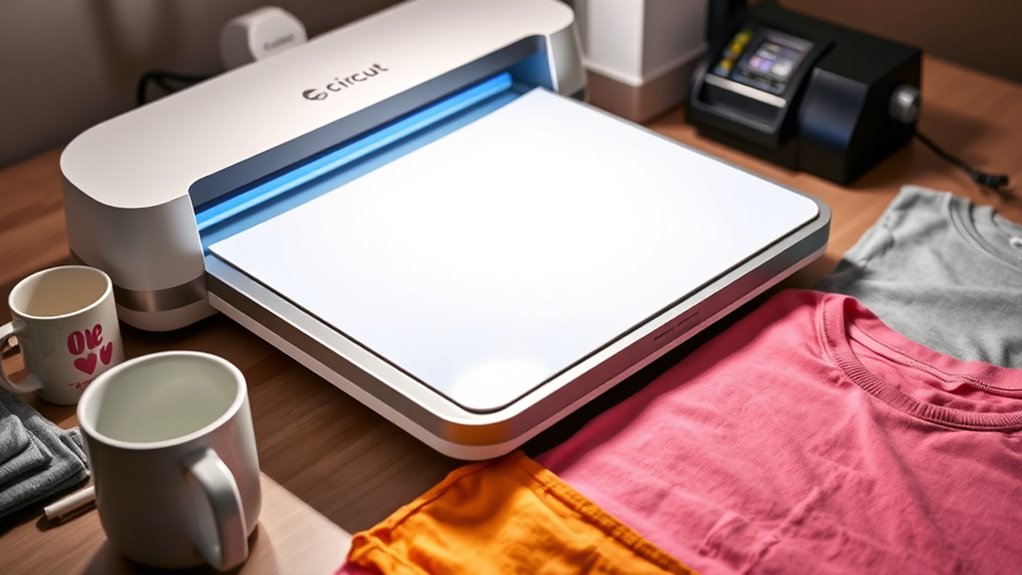
Although the Cricut Heat Press opens up many creative possibilities, selecting the right materials is key to achieving vibrant and long-lasting sublimation results. You’ll want to use polyester or polyester-coated items because sublimation inks bond best with polyester fibers. Fabrics with a higher polyester content, ideally 65% or above, produce the brightest colors and sharpest details.
White or light-colored materials work best since sublimation inks are transparent and won’t show well on dark surfaces. Besides fabrics, you can sublimate on specially coated hard items like mugs, metal sheets, and phone cases designed for sublimation. Avoid cotton or natural fibers without coating—they won’t hold the dye properly.
Choosing the right surface guarantees your designs stay vivid and durable after heat pressing with your Cricut.
Which Sublimation Ink and Paper Work Best With a Cricut Heat Press?
Picking the right sublimation ink and paper is essential to getting vibrant, lasting prints with your Cricut Heat Press. You’ll want to choose high-quality, dye-based sublimation ink designed specifically for heat transfer. Brands like Sawgrass or Epson’s sublimation inks are reliable choices, ensuring bright colors and smooth blending.
For paper, select sublimation transfer paper that holds ink well and releases it cleanly during pressing. Look for papers with a high ink absorption rate and compatible coating to avoid smudging or dull prints. Using inferior ink or paper can lead to faded colors or ghosting.
Preparing Your Cricut Heat Press for Sublimation Transfers
To get the best results from your Cricut Heat Press, you’ll need to prepare it properly before starting sublimation transfers. First, clean the heat platen thoroughly to remove any dust or residue, ensuring even heat distribution.
Next, preheat the press to the recommended temperature for your sublimation paper and fabric. Use a Teflon sheet or parchment paper to protect your press and project from ink stains. Adjust the pressure settings based on the thickness of your substrate for ideal transfer.
| Step | Action |
|---|---|
| Clean platen | Remove dust and residue |
| Preheat press | Set to recommended temperature |
| Use protective layer | Teflon sheet or parchment paper |
| Adjust pressure | Based on substrate thickness |
Step-by-Step Guide to Sublimating With a Cricut Heat Press
Once you’ve prepped your Cricut Heat Press, you’re ready to start sublimating your design. Follow these steps to get the best results:
- Position Your Design: Place your sublimation print face down on the substrate, then cover it with protective parchment paper or a Teflon sheet to prevent ink transfer to the heat press.
- Set Temperature and Time: Adjust your heat press to the recommended temperature (usually around 400°F) and set the timer based on your material’s instructions, commonly between 45-60 seconds.
- Apply Pressure and Heat: Close the heat press firmly, applying even pressure. Once the timer goes off, carefully lift the press and remove your substrate.
Let it cool before peeling off the transfer paper to reveal your vibrant sublimated design.
Troubleshooting Common Sublimation Problems With Cricut Heat Press
After completing your sublimation with the Cricut Heat Press, you might notice some issues with your design’s quality or appearance. If your colors look faded, check that you set the right temperature and time—too low won’t transfer the ink properly.
Blurry or smudged images often mean your design shifted during pressing, so secure your transfer paper tightly with heat-resistant tape. White spots or missing areas usually result from incomplete contact between the heat plate and fabric; make sure your surface is flat and even.
If your fabric scorches or darkens, reduce the temperature or press time. In conclusion, if the design peels after washing, you might need to press for longer or use a polyester-rich substrate. These quick fixes can help you get better results every time.
Tips for Vibrant, Long-Lasting Sublimation Prints With Cricut
Although sublimation with a Cricut Heat Press can be straightforward, achieving vibrant and long-lasting prints requires careful attention to several key factors. To get the best results, focus on these essentials:
- Use High-Quality Sublimation Ink and Paper: Cheap materials can dull colors and reduce print durability. Invest in reputable brands to guarantee bright, lasting images.
- Maintain Proper Temperature and Pressure: Follow recommended settings for your material. Consistent heat and firm pressure help the ink bond properly, preventing fading or peeling.
- Choose Suitable Substrates: Sublimation works best on polyester or polymer-coated surfaces. Using compatible items ensures colors stick well and stay vibrant over time.
Alternatives to Cricut Heat Press for Better Sublimation Results
Getting vibrant, long-lasting sublimation prints with a Cricut Heat Press is achievable, but sometimes you might want to explore other tools to enhance your results. Consider a dedicated clamshell heat press, which offers even heat distribution and consistent pressure, essential for professional-quality sublimation.
Swing-away heat presses also work well by allowing you to position your project precisely without moving the platen, reducing the chance of smudges. If you’re working on smaller items, a mug press or hat press can improve your results by providing the right shape and pressure.
For budget-friendly options, you might try a household iron, but it requires careful attention to heat and pressure. Exploring these alternatives can help you achieve sharper, more vibrant sublimation prints.
Frequently Asked Questions
Can I Sublimate on Dark Fabrics Using a Cricut Heat Press?
You can’t sublimate directly on dark fabrics with a Cricut heat press because sublimation requires polyester and light colors.
Instead, use sublimation-friendly transfer paper or a white polyester base to achieve vibrant results on dark materials.
How Do I Clean My Cricut Heat Press After Sublimation?
You clean your Cricut heat press after sublimation by unplugging it, letting it cool, then wiping the platen with a soft cloth and mild cleaner.
Avoid abrasive materials to keep the surface smooth and ready for your next project.
What Safety Precautions Should I Take When Sublimating With Cricut?
You should always wear heat-resistant gloves since 60% of sublimation burns happen from direct contact. Keep your workspace ventilated, avoid loose clothing, and never leave the heat press unattended to stay safe while sublimating with Cricut.
Can I Sublimate on Ceramic Mugs With a Cricut Heat Press?
Yes, you can sublimate ceramic mugs with a Cricut heat press if it has a mug press attachment. Make sure your mugs have a special polymer coating designed for sublimation to get vibrant, lasting results.
How Long Does a Cricut Heat Press Last With Regular Sublimation Use?
Your Cricut heat press will last around 2-3 years with regular sublimation use—assuming you don’t use it as a doorstop or coffee warmer.
Treat it well, and it’ll keep pressing like a champ!
Conclusion
With your Cricut heat press humming gently, imagine the vibrant colors melting perfectly into your favorite fabric, creating designs that pop and last. Sublimation with your Cricut isn’t just possible—it’s a creative journey where every press brings your ideas to life in stunning detail.
Embrace the process, tweak your technique, and watch as plain items transform into personalized masterpieces that dazzle and delight with every wear. Whether you’re crafting gifts or designing apparel, mastering sublimation with Cricut heat press opens up endless creative possibilities.
In conclusion, sublimation with Cricut heat press is a fantastic way to create vibrant, long-lasting designs on various materials. By understanding your heat press settings and using the right sublimation supplies, you can achieve professional-quality results every time.