Can You Heat Press Acrylic Keychains
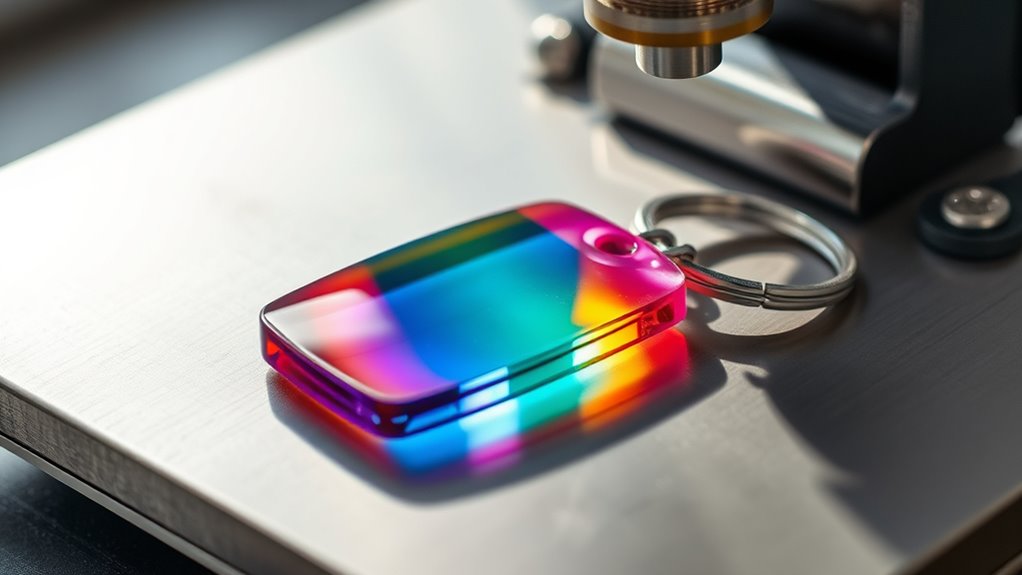
You can heat press acrylic keychains, but it requires careful control of temperature, time, and pressure to avoid warping, melting, or discoloration. Heat pressing acrylic keychains is a delicate process that demands precision.
Using protective barriers like Teflon sheets is essential to keep the acrylic safe and ensure an even transfer.
Choose low-temp vinyl or coated acrylics for the best results. Always test your heat press settings on scrap materials first to prevent damage.
With the right technique, you’ll achieve vibrant, lasting designs without compromising the keychain’s integrity.
There’s plenty more to discover about perfecting this process. Understanding the nuances will help you create high-quality acrylic keychains that stand the test of time.
Key Takeaways
- Acrylic keychains can be heat pressed but require careful temperature and time control to avoid warping or melting.
- Use protective barriers like Teflon sheets to evenly distribute heat and prevent acrylic damage during pressing.
- Recommended heat press settings are 320°F-350°F for 30-60 seconds with medium pressure to ensure design transfer without harming acrylic.
- Vinyl films and low-temp HTV are suitable transfer materials; sublimation requires coated acrylic for effective dye absorption.
- Always test on scrap acrylic and avoid excessive heat, pressure, or skipping protective layers to ensure quality results.
Can You Heat Press Acrylic Keychains Safely?
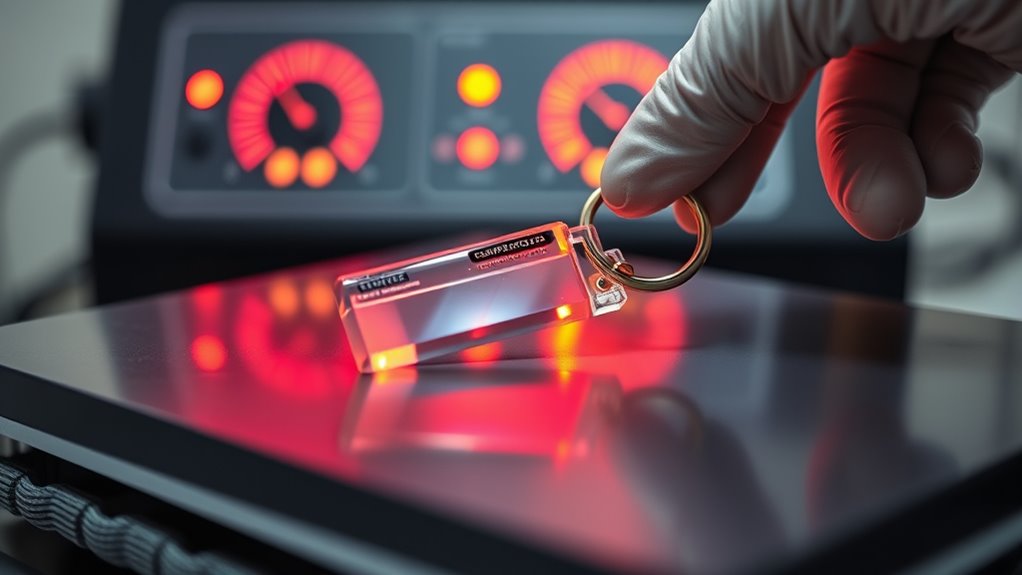
Although acrylic keychains are popular for customization, you need to be cautious when heat pressing them. Acrylic is sensitive to high temperatures, which means you have to control the heat and pressure carefully to prevent damaging your keychain. Using a lower temperature setting and quick press times can help prevent warping, melting, or discoloration.
Always test a small area or a spare keychain first to see how it reacts. Additionally, avoid applying too much pressure, as this might crack or deform the acrylic. By adjusting your heat press settings and handling the keychain gently, you can customize safely without ruining your project.
Taking these precautions ensures your acrylic keychains stay intact and look great after heat pressing.
What Happens to Acrylic Keychains When You Heat Press Them?
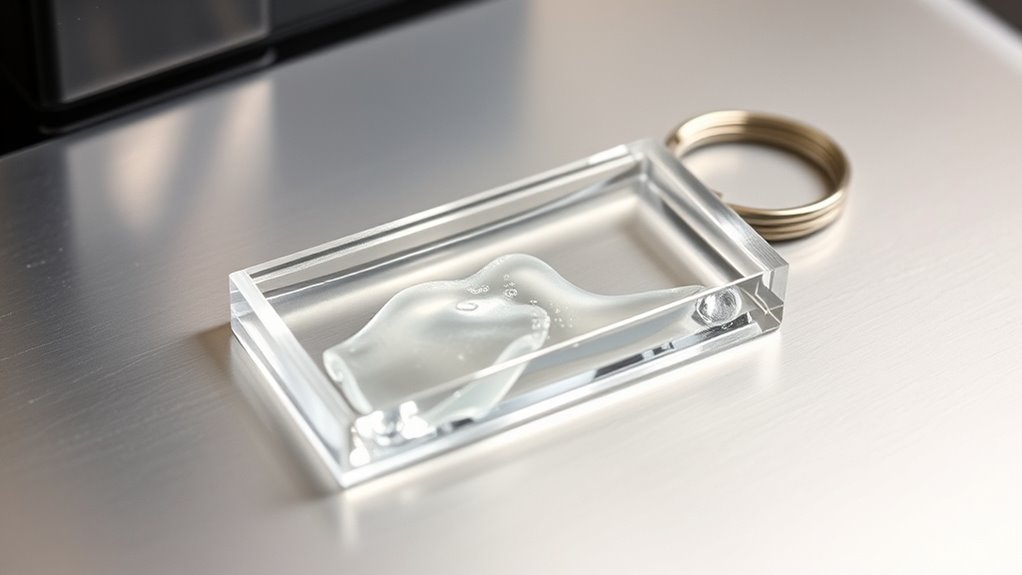
When you heat press acrylic keychains, the material undergoes changes that can affect its appearance and structure. The heat softens the acrylic, making it more pliable but also vulnerable to warping or discoloration if the temperature is too high or applied for too long.
You might notice bubbles, melting, or surface damage if you’re not careful.
| Effect | Description |
|---|---|
| Softening | Acrylic becomes pliable |
| Warping | Shape may distort under heat |
| Discoloration | Colors can fade or yellow |
| Surface Damage | Scratches or melting can occur |
| Bubbles | Air pockets may form inside |
Understanding these effects helps you handle acrylic keychains properly during heat pressing to avoid damage.
Choosing the Right Heat Transfer Material for Acrylic Keychains
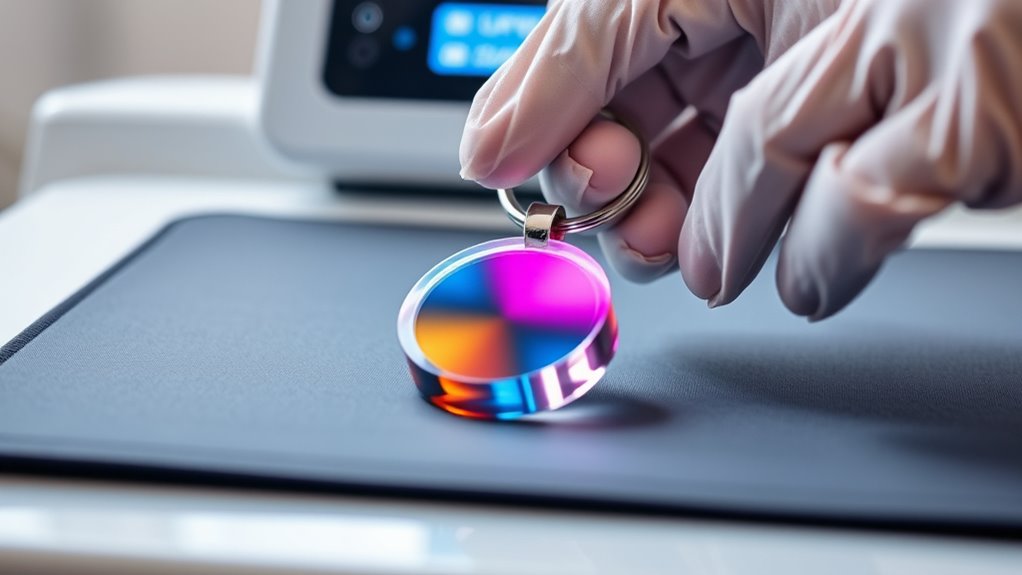
When picking heat transfer materials for acrylic keychains, you’ll want to focus on those that bond well without damaging the surface. Not all transfers hold up equally, so choosing one with proven durability on acrylic is key.
Let’s look at which types work best and last the longest.
Compatible Heat Transfer Types
Because acrylic keychains have a smooth, non-porous surface, you need to choose heat transfer materials that can properly adhere without damaging the acrylic. Vinyl heat transfer films, especially permanent adhesive types like polyurethane (PU) or polyvinyl chloride (PVC), work well. These materials provide strong adhesion and vibrant colors without requiring excessive heat that could warp the acrylic.
You can also use sublimation transfers, but only with acrylics specifically coated for sublimation, as regular acrylic won’t absorb the dye. Avoid materials that require very high temperatures or long press times to prevent melting or discoloration. Pressure-sensitive adhesives or low-temp HTV designed for delicate surfaces are also good options.
Always test your material first to guarantee a clean, lasting bond without compromising your keychain’s look.
Durability on Acrylic
Although acrylic offers a sleek and durable base for keychains, choosing the right heat transfer material is essential to guarantee your designs stay vibrant and intact over time. You want a transfer that bonds well without cracking, peeling, or fading. Vinyl and sublimation transfers often work best because they flex with the acrylic’s slight movements and resist wear.
Avoid materials that require excessive heat or pressure, as they can damage both the acrylic and the design. Always test your chosen transfer on a sample piece before full production to ensure durability. By selecting a compatible heat transfer material, you’ll preserve your keychains’ crisp appearance and extend their lifespan, giving your customers a product that looks great even after heavy daily use.
Set the Best Heat Press Settings for Acrylic Keychains
You’ll want to set your heat press to the ideal temperature range to protect the acrylic without sacrificing adhesion. Timing is essential, so stick to the best pressing time to avoid warping or damage.
Also, adjust the pressure settings just right to guarantee your design transfers cleanly and evenly.
Ideal Temperature Range
When setting the heat press for acrylic keychains, what temperature should you aim for to guarantee the best results? You want to keep the temperature between 320°F and 350°F (160°C to 177°C). This range is hot enough to activate the sublimation ink or transfer material without warping or melting the acrylic.
Going above 350°F risks damaging your keychains, causing bubbling or discoloration. Staying below 320°F might result in incomplete transfers, with dull or patchy prints. Always pre-test with a scrap piece to confirm your press’s accuracy and assure your acrylic responds well to these settings.
Optimal Pressing Time
Since pressing time directly affects the quality of your acrylic keychain transfers, you need to find the perfect balance to guarantee vibrant, lasting designs without damaging the material. Too short, and the ink won’t fully adhere; too long, and the acrylic may warp or discolor.
Typically, pressing times between 30 to 60 seconds work best. Start with 45 seconds, then adjust based on your results.
| Pressing Time | Result | Recommendation |
|---|---|---|
| 30 seconds | Incomplete transfer | Increase time slightly |
| 45 seconds | Ideal transfer, no damage | Ideal starting point |
| 60 seconds | Full transfer, risk of warping | Reduce time if warping occurs |
| 75+ seconds | Acrylic deformation | Avoid for acrylic keychains |
Pressure Settings Guide
Finding the right pressure setting is essential to achieve crisp, durable designs on your acrylic keychains without causing cracks or distortions. Start by setting your heat press to medium pressure—firm enough to transfer the design but gentle enough to protect the acrylic. Too much pressure can crack or warp the keychain, while too little won’t transfer the design properly.
If your press has adjustable settings, aim for around 40-50 psi, but always check your machine’s manual for specifics. Use a protective sheet between the keychain and the platen to distribute pressure evenly. Test on a scrap piece first to dial in the pressure perfectly.
Adjust gradually, and once you find the sweet spot, you’ll get consistent, high-quality results every time.
Alternative Ways to Customize Acrylic Keychains
Although heat pressing isn’t ideal for acrylic keychains, you can still personalize them using other creative methods. Try using permanent markers or paint pens designed for plastic to add your own designs or messages. Vinyl decals are another great option—cut your design on adhesive vinyl, then carefully apply it to the keychain’s surface for a crisp, professional look.
You could also experiment with laser engraving, which etches your design directly into the acrylic without heat damage. Stickers and resin coatings offer quick customization, allowing you to create layered effects with durability. These alternatives let you achieve unique, eye-catching results while avoiding the risks heat pressing poses to acrylic keychains.
Explore which method fits your style and tools best to make your keychains truly yours.
How to Protect Acrylic Keychains During Heat Pressing
To keep your acrylic keychains safe during heat pressing, always use a protective barrier like parchment paper or a Teflon sheet. You’ll also want to carefully control the temperature settings to avoid melting or warping.
These simple steps help guarantee your keychains come out looking great every time.
Use Protective Barrier
When you heat press acrylic keychains, using a protective barrier is essential to prevent damage from direct heat and pressure. Place a Teflon sheet or a piece of parchment paper between the heat press and the keychain. This barrier shields the acrylic from scorching, melting, or warping while allowing even heat distribution.
Avoid using materials that can stick or transfer ink, like plastic wrap or wax paper. You can also use a silicone mat for added protection and better heat resistance. Make sure the barrier fully covers the keychain’s surface, especially edges, to minimize exposure.
Using a protective barrier not only preserves the keychain’s clarity and shape but also enhances the quality of your design transfer during the heat press process.
Control Temperature Settings
Since acrylic is sensitive to high heat, you need to carefully regulate the temperature settings on your heat press to avoid warping or discoloration. Set the temperature lower than you would for fabric—typically around 270°F (132°C) works well. Avoid going above 300°F (149°C) to prevent melting or bubbling.
Also, reduce the pressing time to about 15-20 seconds instead of longer durations. Always perform a test press on a scrap acrylic piece to find the perfect balance for your press and material. Adjust both temperature and time based on the results to protect your keychains.
This precise control ensures your acrylic keychains stay crisp and clear without any damage during heat pressing.
Step-by-Step Guide to Heat Pressing Acrylic Keychains
Although acrylic keychains may seem delicate, you can successfully heat press them by carefully following the right steps. First, preheat your heat press to around 300°F (149°C) to avoid warping. Next, position your acrylic keychain on a heat-resistant surface, like a Teflon sheet, to protect it.
Place your design or sublimation paper on the keychain, then cover it with another Teflon sheet. Close the heat press gently, applying light pressure for about 30 seconds. Once done, carefully open the press and immediately peel off the sublimation paper while the keychain is still warm.
Let it cool completely on a flat surface to maintain its shape. Following these steps guarantees a vibrant, professional finish without damaging your acrylic keychain.
Avoid These Common Heat Pressing Mistakes
To achieve the best results with your acrylic keychains, you’ll want to steer clear of common heat pressing mistakes that can ruin your project. First, don’t apply too much heat or pressure, as acrylic can warp or bubble under excessive conditions. Follow recommended temperature and time settings closely.
Avoid rushing—removing the keychain too soon can cause smudging or incomplete transfers. Also, don’t skip protecting your keychain with a Teflon sheet or parchment paper; this prevents scorch marks and keeps your design crisp. Finally, never reuse transfer sheets, since worn materials can produce faded or uneven results.
Troubleshooting Faded or Damaged Designs on Acrylic Keychains
When your acrylic keychain designs fade or get damaged, it’s usually a sign that something went wrong during the heat pressing process. First, check your temperature and pressing time; too much heat or pressure can cause colors to dull or peel. Also, verify you’re using the right type of transfer paper and that your design is printed with suitable inks.
If the design looks blurry or faded, the press might have been too hot or pressed too long. Uneven pressure can lead to partial fading or damage, so calibrate your heat press for consistent force. Finally, inspect the acrylic surface before pressing—scratches or dust can affect design adhesion.
Adjusting these factors helps you avoid faded or damaged results.
How to Care for Heat-Pressed Acrylic Keychains to Make Them Last
Since heat-pressed acrylic keychains undergo intense heat and pressure during customization, caring for them properly guarantees your designs stay vibrant and intact. Always avoid exposing your keychains to harsh chemicals or abrasive materials that can scratch or dull the surface. Clean them gently with a soft, damp cloth and mild soap if needed, then dry thoroughly.
Keep your keychains away from extreme temperatures and direct sunlight to prevent warping or fading. When not in use, store them in a cool, dry place to protect from dust and damage. Handle your keychains with care to avoid dropping or bending, which can cause cracks.
Frequently Asked Questions
Can Acrylic Keychains Be Heat Pressed With Other Materials Simultaneously?
You can heat press acrylic keychains with other materials simultaneously, but you need to adjust temperature and pressure carefully. Too much heat risks warping the acrylic, so use a protective sheet and lower settings to avoid damage.
Be mindful of the time you apply heat as well. Using a heat-resistant barrier between the acrylic and the heat press can help prevent direct contact. Always test a small batch first to ensure the settings are safe for all materials involved.
How Long Do Heat-Pressed Designs on Acrylic Keychains Typically Last?
Your heat-pressed designs on acrylic keychains typically last several months to a year, depending on usage and care. Avoid scratches and excessive heat to keep them vibrant. Proper sealing also extends their lifespan considerably.
Are There Any Health Risks Associated With Heating Acrylic Keychains?
Worried about fumes when heating acrylic keychains? You shouldn’t be if you work in a well-ventilated area and avoid overheating.
Proper heat pressing won’t release harmful chemicals, so just take precautions and stay safe.
Can Heat Pressing Acrylic Keychains Affect Their Transparency or Color?
Yes, heat pressing acrylic keychains can affect their transparency and color. If you apply too much heat or press for too long, the acrylic may warp, discolor, or become cloudy,
so you should use controlled temperatures and times.
Is Heat Pressing Acrylic Keychains Environmentally Friendly?
Imagine you use a heat press with eco-friendly inks and recycle leftover acrylic scraps. You’re making heat pressing more environmentally friendly by reducing waste and emissions compared to other methods.
But always consider materials and energy sources.
Conclusion
Think of heat pressing acrylic keychains like baking a delicate souffle—too much heat, and it collapses; just right, and it’s a masterpiece. When you follow the right settings and materials, your keychains can shine with vibrant, lasting designs.
Remember, patience and precision are key to avoiding damage. With the care tips and troubleshooting tricks you’ve learned, your customized acrylic keychains will stay fresh and fabulous, just like that perfect souffle out of the oven!
In conclusion, you can heat press acrylic keychains successfully by controlling the temperature and pressure carefully. Proper heat pressing ensures your designs remain durable and visually appealing. Always prioritize the right technique to make your acrylic keychains truly stand out.