Can You Heat Press Cricut Premium Vinyl
Yes, you can heat press Cricut Premium Vinyl safely by using the right temperature, pressure, and time. Heat pressing Cricut Premium Vinyl is a popular method to create durable and vibrant designs on various fabrics.
To achieve the best results, set your heat press around 300°F to 320°F, apply medium, even pressure, and limit pressing to about 10-15 seconds to avoid bubbling or fading.
Use a Teflon sheet to protect the vinyl, and always test on a small piece first. This helps prevent damage and ensures the vinyl adheres properly.
If you want to guarantee your design lasts and looks vibrant, there are important tips and techniques you’ll want to know.
Key Takeaways
- Cricut Premium Vinyl can be safely heat pressed with adjusted temperature, pressure, and time settings to avoid damage.
- Use a heat press temperature between 300°F and 320°F, ideally around 305°F, to prevent bubbling or color loss.
- Apply medium, even pressure for 10-15 seconds with a Teflon sheet or parchment paper protecting the vinyl.
- Test on small pieces first and adjust settings based on fabric type and heat press model for best results.
- Allow 24 hours after pressing before washing, and follow gentle care instructions to maintain vinyl durability.
What Is Cricut Premium Vinyl And How Is It Used?
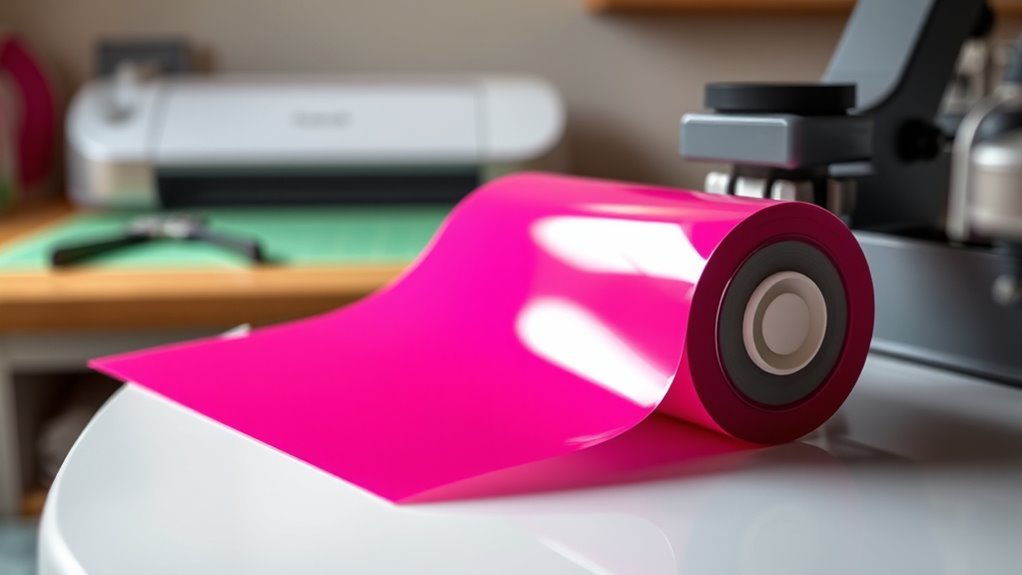
Although you might already be familiar with basic crafting materials, Cricut Premium Vinyl stands out for its durability and vibrant finish. You’ll find it perfect for customizing items like water bottles, laptops, and car windows. This vinyl comes with a strong adhesive backing that sticks firmly to various surfaces, ensuring your designs last.
You cut it using a Cricut machine, which precisely shapes your patterns. Once cut, you peel away the excess vinyl and transfer your design with a transfer tape, making placement easy and accurate. Cricut Premium Vinyl is designed for outdoor and indoor use, resisting fading and peeling over time.
When you use it, you get a professional-quality look that enhances your crafting projects with bright, lasting colors.
Can You Heat Press Cricut Premium Vinyl Safely?
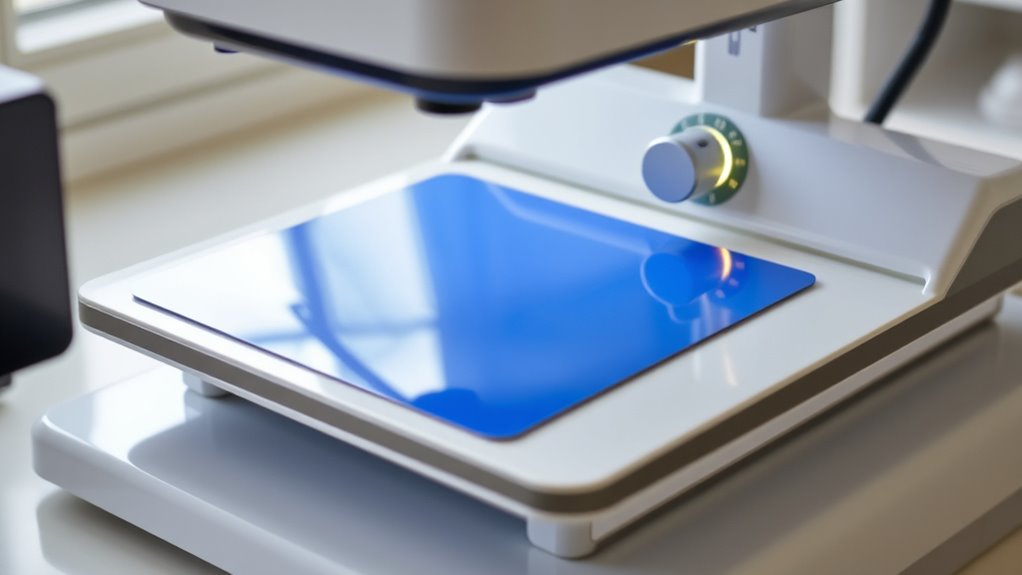
If you want to add extra durability or create custom heat-applied designs, you might wonder whether you can safely heat press Cricut Premium Vinyl. The good news is yes, you can, but you need to be cautious. Using the right temperature, pressure, and time guarantees your vinyl adheres well without damage.
| Factor | Recommendation | Why It Matters |
|---|---|---|
| Temperature | Moderate heat | Prevents vinyl melting |
| Pressure | Medium pressure | Secures vinyl evenly |
| Time | Short duration | Avoids vinyl warping |
What’s The Best Heat Press Temperature For Cricut Premium Vinyl?
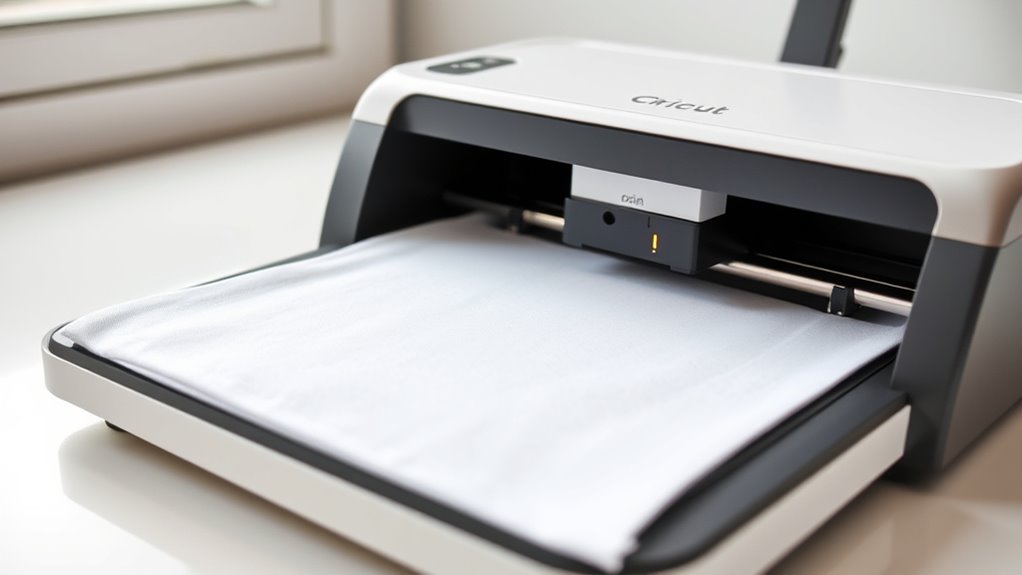
When heat pressing Cricut Premium Vinyl, choosing the right temperature is essential to guarantee a strong bond without damaging the material. You should set your heat press between 300°F and 320°F (149°C to 160°C). This range ensures the adhesive activates properly, allowing the vinyl to stick firmly to your fabric without melting or warping.
Avoid going above 320°F, as excessive heat can cause the vinyl to bubble or lose its vibrant finish. Keep in mind that the exact temperature might vary slightly depending on your heat press model and the fabric type, so always test on a small piece first.
Following this temperature guideline helps you achieve clean, durable results every time you heat press Cricut Premium Vinyl.
How Much Pressure Should You Use When Heat Pressing Cricut Vinyl?
Setting the right temperature is just one part of ensuring your Cricut Premium Vinyl adheres properly. You also need to apply the correct amount of pressure during heat pressing. Too little pressure won’t secure the vinyl firmly, causing it to peel off easily, while too much pressure might damage the vinyl or your fabric.
Aim for medium to firm pressure—enough to press the vinyl evenly against the material without squeezing it excessively. Most heat press machines have adjustable pressure settings; start with a medium setting and test on a scrap piece. If the vinyl doesn’t stick well, increase the pressure slightly.
How Long Should You Heat Press Cricut Premium Vinyl?
You’ll want to heat press Cricut Premium Vinyl for the right amount of time to guarantee proper adhesion without damage. The recommended duration depends on the temperature you set and the thickness of your material.
Let’s explore how these factors affect your pressing time.
Recommended Time Duration
Although the exact time can vary based on your heat press model, pressing Cricut Premium Vinyl typically takes about 10 to 15 seconds. You want to apply consistent pressure within that window to guarantee the vinyl adheres properly without risking damage. Pressing for less than 10 seconds might not create a strong bond, causing your design to peel later.
On the other hand, pressing longer than 15 seconds can overwork the vinyl, leading to warping or discoloration. To get the best results, start with 10 seconds and check your project. If the vinyl isn’t fully adhered, increase by small increments.
Temperature Settings Impact
Since temperature directly affects how well Cricut Premium Vinyl adheres, choosing the right heat setting is crucial for a successful press. If the temperature is too low, the vinyl won’t bond properly, leading to peeling. Too high, and you risk damaging the vinyl or fabric.
Here’s how to manage it effectively:
- Set your heat press between 305°F and 320°F for ideal adhesion.
- Maintain consistent temperature throughout the pressing time to avoid weak spots.
- Adjust heat based on your heat press’s accuracy—use an external thermometer if needed.
- Always test on a small piece before pressing your main project to confirm the setting.
Getting the temperature right ensures your design stays vibrant and durable.
Material Thickness Considerations
Because the thickness of your material affects heat transfer, you need to modify the pressing time accordingly when working with Cricut Premium Vinyl. Thicker materials, like heavy cotton or canvas, require a longer press time to ensure the vinyl adheres properly. Conversely, thinner fabrics such as lightweight t-shirts need less time to avoid scorching or vinyl damage.
Start with the recommended pressing time—usually around 10-15 seconds—and test on a small area. If the vinyl doesn’t stick well, increase the time in 5-second increments. Always monitor closely to prevent overheating.
Step-By-Step Heat Pressing Guide For Cricut Premium Vinyl
Wondering how to get perfect results when heat pressing Cricut Premium Vinyl? Follow these steps to guarantee your design adheres smoothly and lasts long.
- Prepare your surface: Clean your fabric to remove any dirt or moisture. Preheat your heat press to 305°F (150°C).
- Position your design: Place the vinyl on your fabric with the carrier sheet facing up. Use heat-resistant tape if needed to keep it steady.
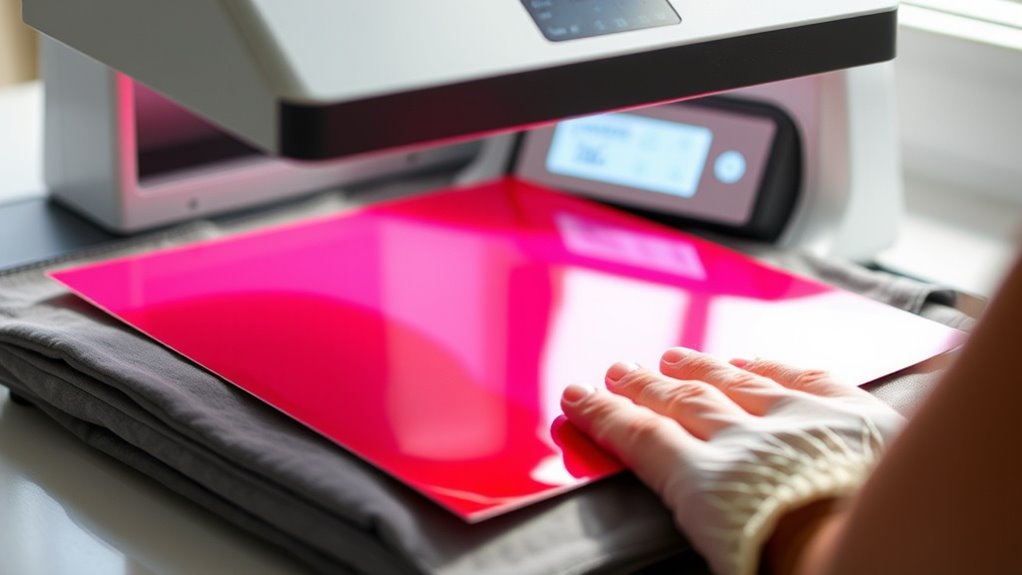
- Press and apply heat: Close the heat press with medium pressure for 15 seconds. Avoid moving the press during this time.
- Peel the carrier sheet: Once pressed, peel the carrier sheet off slowly while it’s warm for a smooth finish.
Following these steps will help you achieve a professional look every time.
Common Heat Pressing Mistakes With Cricut Premium Vinyl
You’ll want to avoid setting the temperature too high or too low, as incorrect settings can ruin your vinyl. Not applying enough pressure is another common mistake that can cause poor adhesion.
Let’s look at how to get these settings just right for the best results.
Incorrect Temperature Settings
When heat pressing Cricut Premium Vinyl, setting the wrong temperature can ruin your project quickly. Too high a temperature can cause vinyl to melt, warp, or discolor, while too low a temperature prevents proper adhesion. To avoid these issues, follow these tips:
- Always check the recommended temperature for Cricut Premium Vinyl, typically around 305°F (150°C).
- Use a reliable heat press thermometer to confirm your machine’s accuracy.
- Avoid guessing or relying solely on preset heat press settings.
- Adjust the temperature gradually if you notice any signs of vinyl damage or poor adhesion during test presses.
Insufficient Pressure Applied
Although many focus on temperature settings, insufficient pressure during heat pressing can equally compromise your Cricut Premium Vinyl project. If you don’t apply enough pressure, the vinyl won’t properly adhere to your fabric, causing edges to lift or peel after washing.
You’ll want to adjust your heat press so it delivers firm, even pressure across the entire design area. Light or uneven pressure can result in incomplete bonding, making your work look unprofessional and reducing durability.
How To Prevent Damage When Heat Pressing Cricut Premium Vinyl
To prevent damage when heat pressing Cricut Premium Vinyl, you need to carefully control the temperature, pressure, and pressing time. Overheating or applying too much pressure can cause the vinyl to warp, melt, or peel off. Follow these key steps:
Carefully controlling temperature, pressure, and time prevents warping, melting, or peeling when heat pressing Cricut Premium Vinyl.
- Set your heat press to the recommended temperature (usually around 305°F) to avoid overheating.
- Apply medium pressure—too much pressure can distort the vinyl, too little may not adhere properly.
- Limit pressing time to about 15 seconds to prevent heat damage.
- Use a Teflon sheet or parchment paper between the vinyl and the heat press to protect the surface.
Troubleshooting Heat Press Problems With Cricut Premium Vinyl
If you’re having trouble with your heat press and Cricut Premium Vinyl, you’re not alone. Common issues like uneven heating or poor vinyl adhesion can be frustrating but fixable.
Let’s explore how to identify these problems and get your project looking perfect.
Common Heat Press Issues
When you encounter issues during the heat pressing of Cricut Premium Vinyl, it’s usually due to temperature, pressure, or timing errors. Identifying these common problems helps you avoid ruining your project.
- Temperature Too High or Low – Using incorrect heat settings can cause vinyl to warp or not adhere properly.
- Inconsistent Pressure – Uneven pressure can lead to poor vinyl transfer or bubbles.
- Insufficient Time – Not pressing long enough might result in weak adhesion.
- Excessive Time – Pressing too long can damage the vinyl’s finish or cause shrinking.
Fixing Vinyl Adhesion Problems
How do you fix vinyl that won’t stick properly during heat pressing? First, check your temperature, pressure, and time settings. Cricut Premium Vinyl usually requires about 305°F for 10-15 seconds with medium pressure.
If it’s not sticking, try increasing the pressure slightly or adding a few more seconds. Make sure your heat press plate is clean and evenly heated, as uneven heat causes poor adhesion. Also, ensure your material is compatible and clean—any dust or moisture can block adhesion.
If the vinyl peels off easily, try a warm peel instead of a cold one, or vice versa, depending on the vinyl type. Finally, always use a protective sheet like parchment paper to prevent scorching and promote even heat distribution.
Caring For Heat Pressed Cricut Premium Vinyl Projects
Though heat pressing Cricut Premium Vinyl creates durable designs, you’ll need to care for your projects properly to keep them looking vibrant and intact. Proper care guarantees your vinyl lasts and maintains its quality over time.
Here’s how to care for your heat-pressed Cricut Premium Vinyl projects:
- Wait 24 Hours: Let your project cure before washing or wearing to allow the vinyl to fully adhere.
- Wash Inside Out: Turn garments inside out to protect the vinyl from friction and fading.
- Use Cold Water: Wash with cold water on a gentle cycle to prevent vinyl damage.
- Air Dry or Low Heat: Avoid high heat drying; air dry or use the lowest heat setting to preserve the vinyl’s integrity.
Following these steps helps your designs stay fresh and durable.
Frequently Asked Questions
Can Cricut Premium Vinyl Be Used on Fabric Other Than Cotton?
Yes, you can use Cricut Premium Vinyl on fabrics other than cotton, like polyester or blends. Just make sure to adjust your heat press settings carefully to avoid damaging your fabric or vinyl for the best results.
Check the fabric’s care instructions and test a small area first to ensure proper adhesion. Using a protective sheet between the heat press and vinyl can help prevent scorching.
Always follow the recommended temperature and time guidelines for different fabric types to achieve the best finish.
Is Cricut Premium Vinyl Waterproof After Heat Pressing?
Yes, Cricut Premium Vinyl becomes waterproof after heat pressing, but you should avoid harsh scrubbing or high-temperature washes.
You’ll want to follow care instructions carefully to keep your design looking great and lasting longer.
Can I Layer Different Colors of Cricut Premium Vinyl?
Absolutely, you can confidently combine colors of Cricut Premium Vinyl by layering them carefully. Just make certain each layer adheres well, press gently between colors, and avoid overheating to maintain vibrant, lasting, and lovely layered looks on your projects.
How Do I Remove Cricut Premium Vinyl From a Project?
You remove Cricut Premium Vinyl by gently peeling it off starting at one corner.
If adhesive remains, use rubbing alcohol or a vinyl remover to clean the surface.
Be patient to avoid damaging your project.
Does Cricut Premium Vinyl Come in Different Finishes or Textures?
Yes, Cricut Premium Vinyl comes in different finishes like glossy, matte, and glitter. You’ll find various textures too, so you can pick the perfect look and feel for your project, making it uniquely yours.
Conclusion
You can definitely heat press Cricut Premium Vinyl safely if you follow the right steps. For example, Sarah, a small business owner, used a 305°F heat press for 15 seconds with medium pressure on a cotton tote and got perfect, long-lasting results. Just remember to avoid overheating and applying too much pressure.
With careful temperature control and timing, your projects will look professional and stand up to regular wear and washing. Keep practicing, and you’ll master it in no time! Using a heat press with Cricut Premium Vinyl can give you durable, vibrant designs that last.
By following these guidelines, you can confidently heat press Cricut Premium Vinyl and achieve excellent results every time.