Can You Heat Press Over Screen Print
You can heat press over screen prints, but it’s important to understand how heat pressing affects screen print designs. Controlling the temperature, pressure, and time carefully is essential to avoid damaging the print.
Excessive heat or heavy pressure can cause the ink to soften, crack, peel, or fade. Using moderate heat and gentle pressure helps maintain the print’s integrity and appearance.
Properly preparing your garment before heat pressing also plays a key role in protecting the design. Testing on a sample first reduces the risk of unexpected damage.
If you want to keep your screen prints looking great, there are smart ways to handle heat pressing and repair any potential damage that might occur. Following these precautions ensures your prints last longer and stay vibrant.
Key Takeaways
- Heat pressing over screen prints is possible but requires moderate temperature and pressure to avoid damaging the ink layer. Excessive heat or heavy pressure can cause the print to soften, crack, peel, or distort.
- Use recommended settings around 280°F to 320°F with short pressing times (5-10 seconds) and medium pressure for best results. Always place a protective sheet over the print to shield the ink during heat pressing.
- Testing on sample garments first helps prevent irreversible damage to final screen-printed products.
How Does Screen Printing React to Heat Pressing?
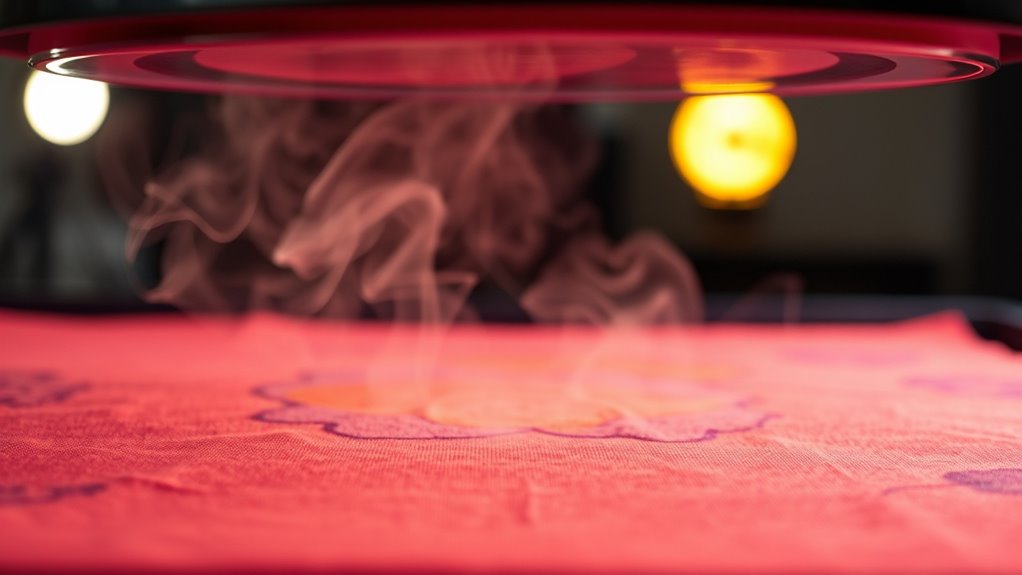
Although screen printing uses durable inks that bond well with fabric, applying heat pressing over it requires caution. You need to understand that screen-printed designs are created by layering ink on the fabric’s surface, which can be sensitive to excessive heat and pressure. When you heat press, the ink can soften or shift if the temperature or pressing time is too high, potentially causing distortion or cracking.
You should always use moderate heat settings and shorter pressing times to protect the integrity of the print. Additionally, placing a protective sheet between the heat press and the screen print helps prevent direct contact, reducing the risk of damage. By managing these factors, you can maintain the quality of your screen-printed design while using heat pressing effectively.
What Happens When You Heat Press Over Screen Prints?
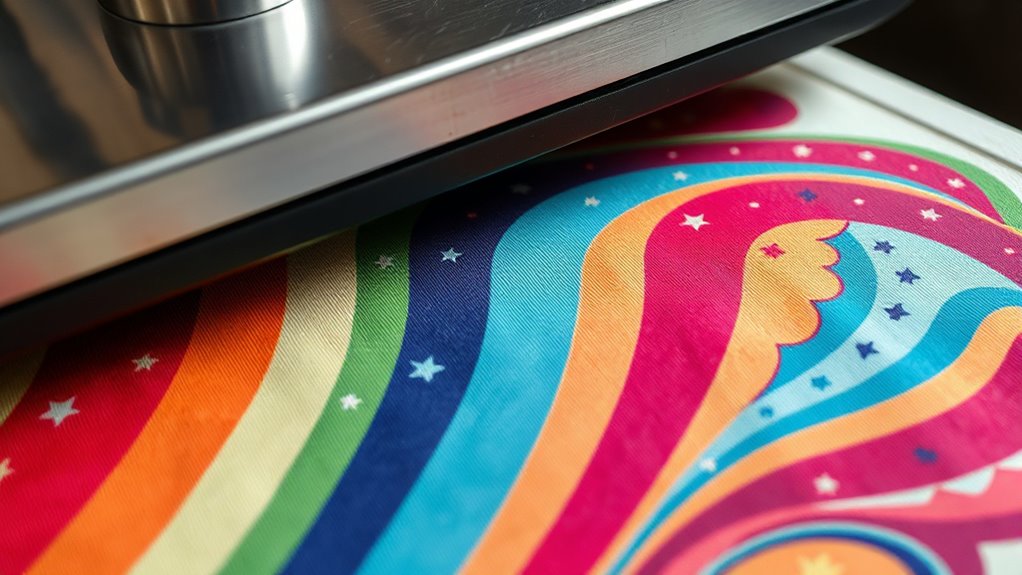
When you apply heat pressing over screen prints, the ink can react in several ways depending on the temperature, pressure, and duration. You might notice the ink softening slightly, which can make the print feel smoother. If you press gently and keep the temperature moderate, the print usually maintains its integrity.
However, excessive heat or pressure can cause the ink to become tacky or even slightly melt, leading to a glossy or cracked appearance. Additionally, prolonged pressing might cause the print to bond more firmly with the fabric, sometimes enhancing durability. Keep in mind that the type of ink and fabric also influence these reactions.
Can Heat Damage Your Screen-Printed Design?
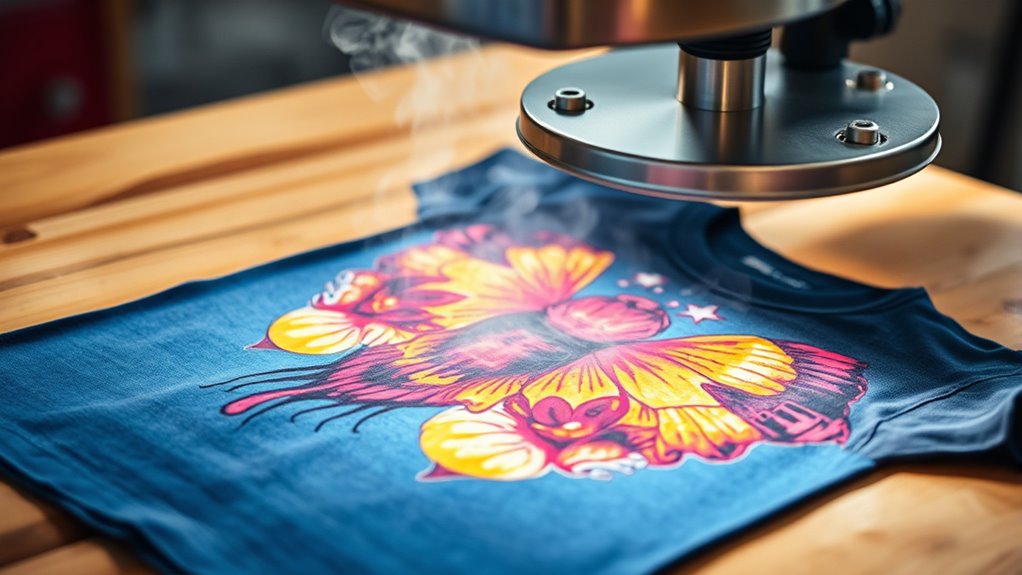
If you apply too much heat or pressure during the heat press process, you risk damaging your screen-printed design. Excessive heat can cause the ink to melt, warp, or crack, ruining the image’s clarity and durability. Too much pressure may flatten the ink layer unevenly or cause it to peel off entirely.
Since screen prints rely on cured ink layers, overheating or pressing too hard compromises their integrity. You’ll want to avoid prolonged exposure to extreme heat and heavy pressure to keep your design intact. Always handle your heat press carefully and monitor the process closely.
Doing so guarantees your screen-printed design stays vibrant and strong, even after additional heat pressing.
Which Heat Press Settings Work Best on Screen Prints?
To safeguard your screen-printed design during heat pressing, you need to choose settings that balance temperature, time, and pressure carefully. Generally, a temperature between 280°F and 320°F works best, with 305°F being a common choice. Keep the pressing time short—around 5 to 10 seconds—to avoid overheating the ink.
Use medium pressure to ensure the heat transfers evenly without crushing the design. Avoid heavy pressure, as it can flatten or crack the print. If you’re layering heat transfers over screen prints, test your settings on a sample first.
How to Prepare Screen-Printed Garments for Heat Pressing
Finding the right heat press settings is only part of the process; preparing your screen-printed garments properly guarantees the best results and protects your design. Start by ensuring the garment is clean and free of wrinkles, as creases can interfere with heat distribution. Pre-press the garment for a few seconds to remove moisture and smooth the fabric.
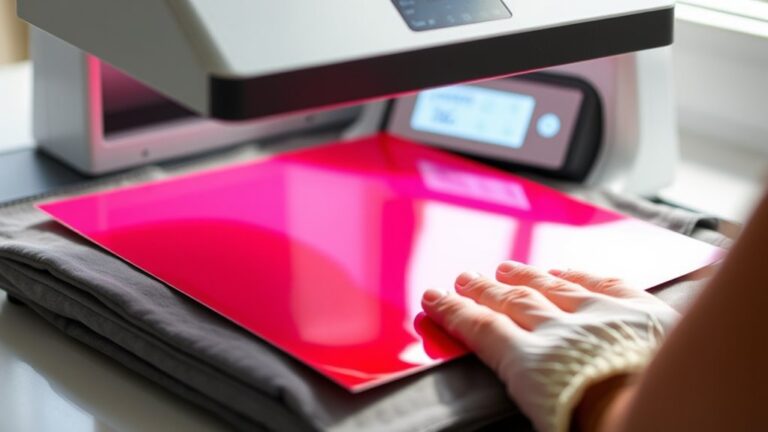
Position the garment carefully on the heat press, making sure the screen print lies flat and centered. Use a protective sheet, like a Teflon sheet or parchment paper, over the screen print to prevent scorching or sticking. Avoid excessive pressure to protect the ink’s integrity.
What Heat Transfers Can You Apply Over Screen Prints?
Although screen prints are durable, not all heat transfers work well on top of them. You’ll find that polyurethane (PU) and polyvinyl chloride (PVC) heat transfers generally adhere better when applied over screen prints. These transfers are flexible and can handle the texture of the screen print without cracking easily.
You can also use foil transfers carefully, but they require precise temperature control to avoid damaging the screen print underneath. Avoid using thick, rigid transfers like some plastisol or puff transfers, as they tend to clash with the screen print’s surface and may peel or crack.
Choosing a heat transfer designed for fabric and with some flexibility will give you the best results when layering over screen prints.
How to Avoid Cracking or Peeling When Heat Pressing Over Screen Prints
When you heat press over screen prints, you need to carefully control the temperature and pressure to prevent cracking or peeling. Start by using a lower heat setting, typically around 250°F to 300°F, and reduce pressing time to avoid overheating the screen print. Apply gentle, even pressure rather than heavy force, which can damage the print’s surface.
Always protect the screen print with a Teflon sheet or parchment paper to shield it from direct heat. Test on a sample garment first to find the ideal settings. Additionally, allow the screen print to fully cure before heat pressing over it to guarantee adhesion stability.
When Should You Avoid Heat Pressing Over Screen Prints?
Even with careful temperature and pressure control, there are times you shouldn’t heat press over screen prints. If the print is old or already shows signs of cracking, heat pressing can worsen the damage. Avoid pressing on delicate or intricate designs where the ink layer is thin, as it may peel or distort.
Also, steer clear of heat pressing on garments made from heat-sensitive materials like nylon or acetate, since they can melt or warp. If the screen print uses specialty inks, such as puff or metallic, you risk ruining their unique texture or finish.
Finally, if you’re unsure about the fabric’s heat tolerance, it’s safer not to apply a heat press, as overheating can permanently ruin both the print and garment.
How to Test If Your Screen-Printed Garment Can Handle Heat Pressing
Before applying heat to your screen-printed garment, you need to determine whether it can withstand the process without damage. Start by testing a small, inconspicuous area of the print with your heat press set to the lowest recommended temperature and shortest time. Use a scrap or a hidden section if possible.
Press briefly, then inspect for any signs of melting, cracking, or color distortion. If the print remains intact, gradually increase heat and time in small increments, testing each time. Avoid pressing directly on delicate or thick ink areas initially.
This method helps you find the most effective pressing conditions without ruining your garment. If damage occurs early, reconsider heat pressing or adjust your approach accordingly to protect your screen print’s quality.
Tips for Layering Vinyl or Heat Transfers on Screen Prints
Although layering vinyl or heat transfers on screen prints can enhance your design, it requires careful technique to avoid damaging the original print. First, always use a protective sheet like parchment paper over the screen print to shield it from direct heat.
Next, keep your heat press temperature and time settings lower than usual—this reduces the risk of melting or distorting the screen print. You should also press each layer individually and allow the garment to cool between applications to maintain print integrity.
When aligning multiple layers, be precise to prevent overlapping or gaps. Finally, test on a similar scrap fabric before working on your final piece to guarantee your settings and layering process work smoothly without harming the screen print.
How to Fix Damage After Heat Pressing Over Screen Prints
If you notice damage after heat pressing over your screen print, start by carefully evaluating the extent of the issue. You can fix some damage with simple repair techniques like using fabric paint or applying a patch.
Knowing the right steps will help you restore your design and extend the garment’s life.
Assessing Print Damage
When you heat press over a screen print, you might notice some damage like cracking, peeling, or fading in the design. To evaluate the damage properly, first examine the print under good lighting. Check for any raised areas, discoloration, or texture changes.
Gently stretch the fabric to see if cracks worsen or if the print flakes off. Pay attention to whether the damage is isolated or spread across the design. Also, consider the fabric type and ink used, as some materials react differently to heat.
Taking photos can help track the damage over time. By carefully assessing the print, you’ll understand the extent of the issue and decide if repair is possible or if reprinting might be necessary.
Repair Techniques and Tips
Since heat pressing can sometimes damage screen prints, knowing how to repair these issues can save your garment and your effort. First, gently clean the affected area with a soft brush or cloth to remove any loose ink or debris. For minor cracks, apply a small amount of fabric glue or clear textile medium to seal and protect the print.
If the print has peeled, carefully realign it and press it back down using a lower heat setting and a protective sheet. Avoid excessive heat or pressure to prevent further damage. Finally, always allow the repair to dry completely before handling or washing.
Taking these steps helps extend the life of your screen print and keeps your garment looking fresh even after heat pressing mishaps.
How to Extend the Life of Screen-Printed and Heat-Pressed Garments
Although screen printing and heat pressing create durable designs, you’ll want to take extra care to keep your garments looking fresh longer. Always wash them inside out in cold water to prevent fading and cracking. Avoid harsh detergents and bleach, which can break down the print and fabric fibers.
Skip the dryer when possible; air drying preserves the design’s integrity better. If you must machine dry, use a low heat setting. When ironing, place a cloth between the iron and the print to prevent heat damage.
Store your garments in a cool, dry place away from direct sunlight to avoid discoloration. By following these simple steps, you’ll extend the life of your screen-printed and heat-pressed items, keeping them vibrant and wearable for years.
Frequently Asked Questions
Can Heat Pressing Alter the Color Vibrancy of Screen Prints?
Yes, heat pressing can alter the color vibrancy of screen prints. You might notice fading or dulling if the temperature or time is too high, so always use recommended settings to keep your prints bright and sharp.
Is It Safe to Heat Press on All Fabric Types With Screen Prints?
You can’t just heat press every fabric with screen prints without risking disaster! Some fabrics melt or scorch instantly.
Always check material and ink compatibility first to avoid ruining your masterpiece with heat’s fiery wrath.
How Long Should You Wait After Screen Printing Before Heat Pressing?
You should wait at least 24 hours after screen printing before heat pressing to make certain the ink fully cures. This helps prevent smudging or damage and guarantees a crisp, long-lasting print on your fabric.
Can Heat Pressing Over Screen Prints Affect Garment Breathability?
You might think heat pressing ruins breathability, but if you use moderate heat and pressure, it won’t block fabric pores considerably.
Just be careful not to over-press, or the garment’s comfort could definitely suffer.
Are There Specific Brands of Heat Transfer Vinyl Better for Layering?
Yes, you’ll find brands like Siser and Stahls’ offer heat transfer vinyls designed for layering. They’re durable, flexible, and maintain color vibrancy, making your layered designs look professional and last longer without cracking or peeling.
Conclusion
You can heat press over screen prints, but you need to be careful—about 60% of screen-printed garments show some cracking or fading when exposed to high heat. To avoid damage, use lower temperatures and shorter pressing times. Always test first and prepare your garment properly.
By following these tips, you’ll keep your designs vibrant and long-lasting. Combining screen printing and heat pressing can be done without compromising quality. Proper technique ensures your heat press over screen print results remain excellent.